שלט רחוק לטלוויזיה

אפליקציית שלט לטלוויזיה עבור iPhone, iPad, Apple Watch ו‑Mac עבור Samsung TV, LG TV, Roku, Fire TV, Android TV, Google TV, Apple TV, Hisense ו‑Vizio עם ווידג'טים וקיצורי Siri.

Download on the App Store

Remote Control for TV היא אפליקציית שלט אוניברסלית לטלוויזיה עבור iPhone, iPad, Apple Watch ו‑Mac שמחליפה כמה שלטים פיזיים בשלט Wi‑Fi אחד. היא עובדת עם טלוויזיות חכמות ומכשירי סטרימינג פופולריים, כולל Samsung TV, LG TV, Apple TV, Roku, Fire TV, Android TV, Google TV, Hisense ו‑Vizio, כך שאפשר לשלוט בכל הסלון מאפליקציה אחת ולשמור את אותם מכשירים בכל פלטפורמות Apple.

תשובה קצרה

Remote Control for TV הופכת את ה‑iPhone, ה‑iPad, ה‑Apple Watch וה‑Mac לשלט Wi‑Fi עבור Samsung TV, LG TV, Roku, Fire TV, Android TV, Google TV, Apple TV, Hisense ו‑Vizio. היא משתמשת באותה רשת מקומית, תומכת בווידג’טים ובקיצורי Siri, ומאפשרת למשתמשי Samsung TV ו‑Android TV להוסיף משגרי אפליקציות מותאמים כשאפליקציה חסרה ברשימת ההפעלה המובנית.

עודכן לאחרונה: 7 במאי 2026.

פרטי App Store

פרט מידע
שם ב‑App Store Universal TV — Remote Control
מזהה App Store 1535056536
גרסה נוכחית 2605.2
דרישת App Store נוכחית iOS 17.0 ומעלה עבור iPhone ו‑iPad
מחיר הורדה חינם עם רכישות אופציונליות בתוך האפליקציה
דירוג גיל 4+
דירוג ב‑App Store בארה״ב 4.22 מתוך 5 מ‑1,116 דירוגים
מקור הדירוג בדיקת Apple App Store, נבדק ב‑7 במאי 2026

עובד עם / לא עובד עם

עובד עם לא עובד עם
מכשירי Samsung, LG, Roku, Fire TV, Android TV, Google TV, Apple TV, Hisense ו‑Vizio הנתמכים טלוויזיות או מכשירי סטרימינג שאינם נתמכים באפליקציה
מכשירים באותה רשת מקומית מכשירים ברשתות שונות, רשתות אורחים, מלון, בית ספר או רשתות מבודדות
שליטה ב‑Wi‑Fi ותהליכי צימוד של הפלטפורמות שליטה באינפרא-אדום בלבד ללא תמיכת רשת
Apple Watch, macOS, ווידג’טים וקיצורי Siri כשהם נתמכים פעולות שאינן נתמכות על ידי פלטפורמת הטלוויזיה או הדגם השמור

בסיס נתוני תאימות לטלוויזיות

Remote Control for TV compatibility database
Brand Platform Pairing Method Power App Launch Text Input Input Switching Apple Watch Siri Shortcuts
Samsung Setup guide Samsung Smart TV / Tizen PIN or TV approval prompt; Samsung Device Connection Manager settings can affect discovery. Supported Supported on compatible models; wake behavior depends on TV firmware and network standby settings. Supported Supported on compatible Samsung TVs, including custom app launch IDs. Conditional Supported where the active Samsung TV field accepts remote text input. Supported Supported on compatible Samsung models. Supported Keypad and app launching on supported saved Samsung TVs. Conditional Send Key, Turn On, Launch App, and Switch Input where the saved Samsung TV supports the action.
LG Setup guide LG webOS TV approval prompt or PIN, depending on model and webOS version. Supported Supported on compatible models; wake behavior depends on TV settings and standby mode. Supported Supported on compatible LG webOS TVs. Supported Supported on compatible LG TVs and text fields. Supported Supported on compatible LG TVs. Supported Keypad, app launching, and source switching on supported saved LG TVs. Conditional Send Key, Turn On, Launch App, and Switch Input where the saved LG TV supports the action.
Roku Setup guide Roku OS Roku mobile app control must be enabled; Roku should be awake on the Home screen. Varies Varies by Roku device and Roku TV model. Supported Supported for Roku channels and apps on compatible devices. Supported Supported for compatible Roku search and text fields. Supported Supported on compatible Roku TVs with HDMI inputs. Supported Keypad and app launching on supported saved Roku devices. Conditional Send Key, Launch App, and supported input actions where the saved Roku device supports the action.
Fire TV Setup guide Amazon Fire TV Same local network with Fire TV remote control access available. Varies Varies by Fire TV device, TV model, HDMI-CEC, and power state. Supported Supported on compatible Fire TV devices. Conditional Supported where Fire TV exposes compatible text input. Varies Varies by TV and Fire TV integration. Supported Keypad and app launching on supported saved Fire TV devices. Conditional Send Key and Launch App where the saved Fire TV device supports the action.
Android TV / Google TV Setup guide Android TV / Google TV Same local network and Android TV pairing flow, usually with a pairing code or approval prompt. Varies Varies by device, TV model, and network standby support. Supported Supported with Android package names, including custom app IDs. Conditional Supported where Android TV accepts remote text input. Varies Supported on some Android TV televisions; varies on streaming boxes. Supported Keypad and app launching on supported saved Android TV and Google TV devices. Conditional Send Key, Turn On, Launch App, and Switch Input where the saved Android TV device supports the action.
Apple TV Setup guide tvOS Apple TV pairing flow on the same local network. Supported Supported through Apple TV sleep/wake behavior where available. Supported Supported on compatible saved Apple TVs. Supported Supported for compatible tvOS text fields. Limited Not a direct TV input switching feature; depends on TV or receiver CEC behavior outside Apple TV. Supported Keypad and app launching on supported saved Apple TVs. Conditional Send Key, Turn On, and Launch App where the saved Apple TV supports the action.
Hisense Setup guide Hisense Smart TV Same local network with TV-side approval or platform-specific pairing where required. Supported Supported on compatible models; wake behavior depends on TV settings. Supported Supported on compatible Hisense TVs. Varies Varies by Hisense model and active text field. Supported Supported on compatible Hisense TVs. Supported Keypad, app launching, and source switching on supported saved Hisense TVs. Conditional Send Key, Turn On, Launch App, and Switch Input where the saved Hisense TV supports the action.
Vizio Setup guide Vizio SmartCast Same local network with TV-side pairing or approval where required. Supported Supported on compatible models; wake behavior depends on network standby settings. Supported Supported on compatible Vizio TVs. Varies Varies by Vizio model and active text field. Supported Supported on compatible Vizio TVs. Supported Keypad and app launching on supported saved Vizio TVs. Conditional Send Key, Turn On, Launch App, and Switch Input where the saved Vizio TV supports the action.

לעיון ייעודי בתאימות עם הערות לפי פלטפורמה, פתחו את המכשירים הנתמכים של Remote Control for TV.

מדריכי שלט טלוויזיה פופולריים

פתרון בעיות

מגבלות ידועות

פלטפורמות טלוויזיה נתמכות

מה אפשר לעשות עם האפליקציה

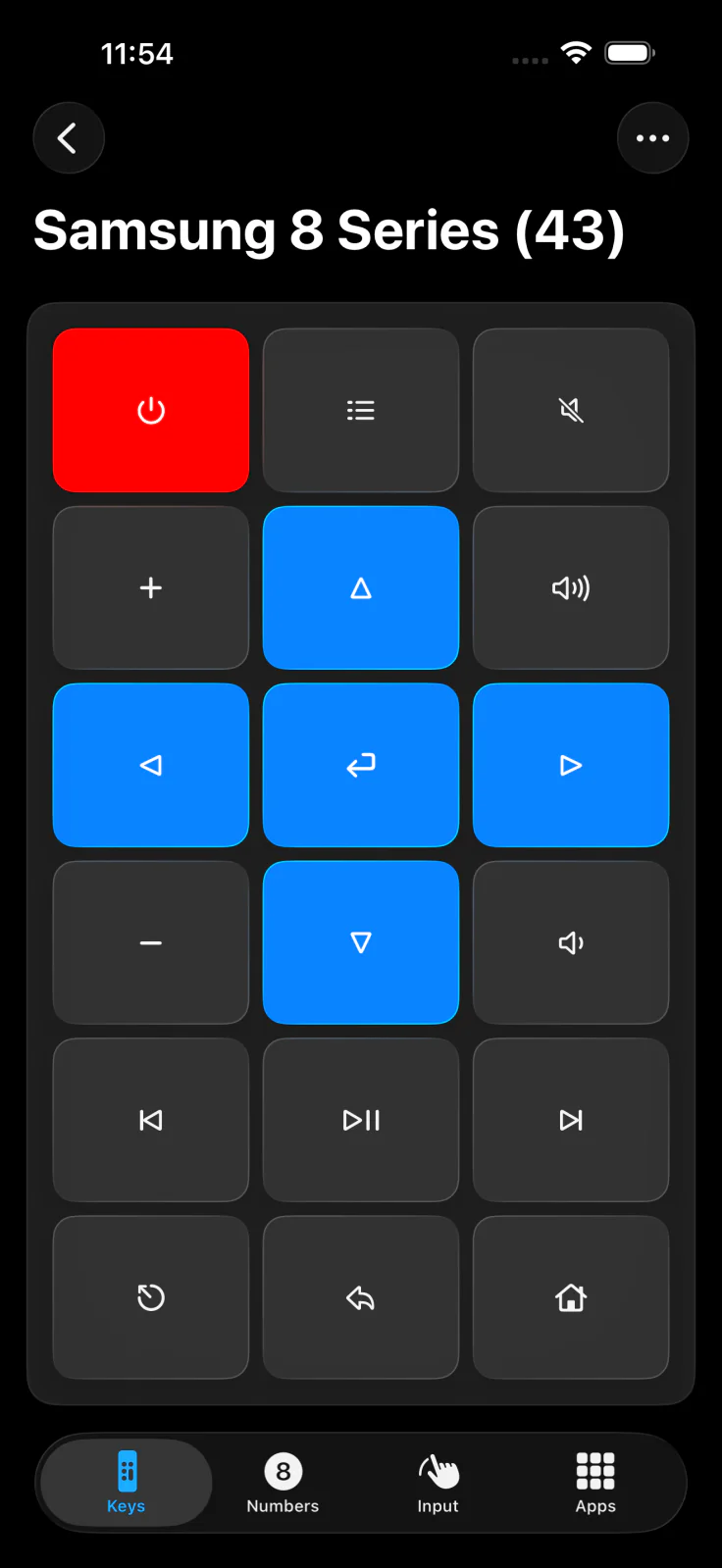
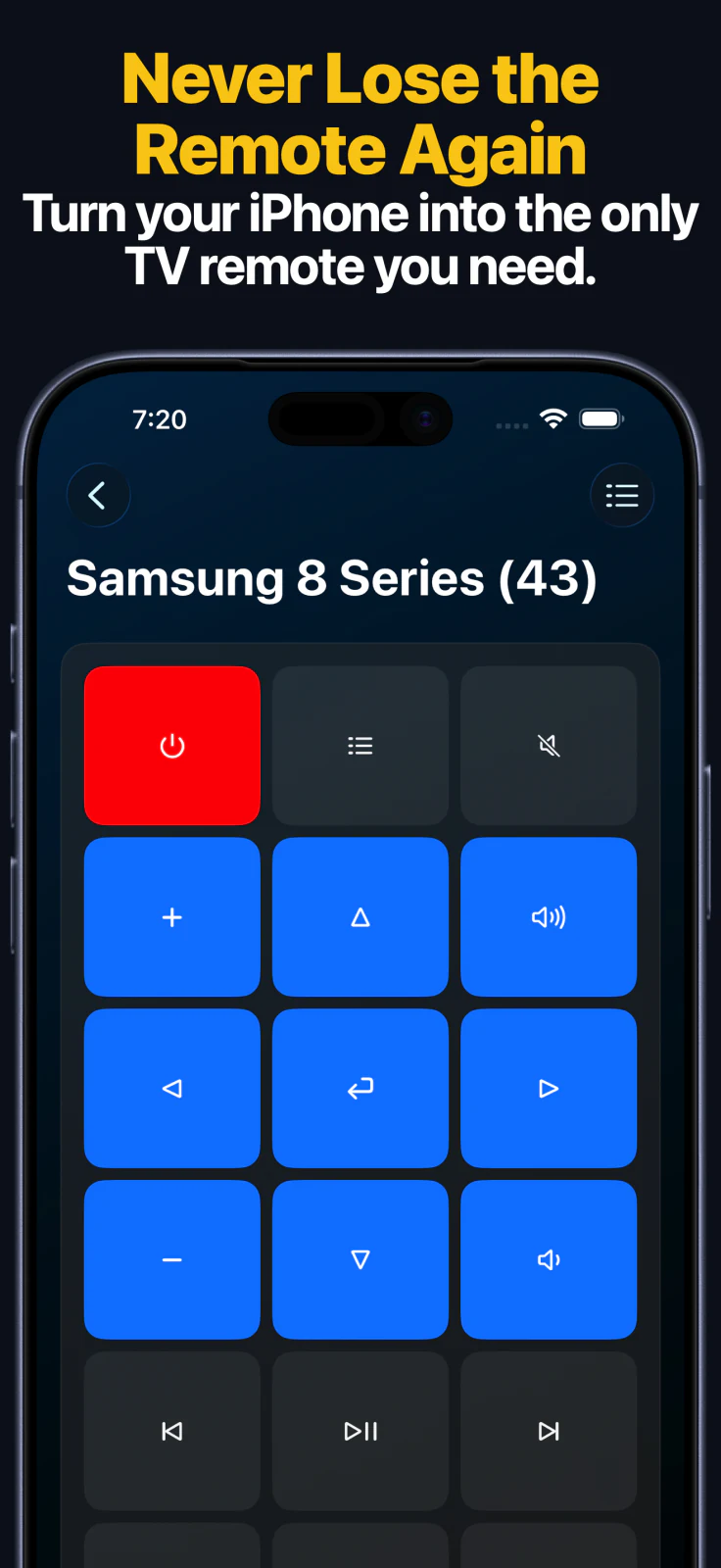
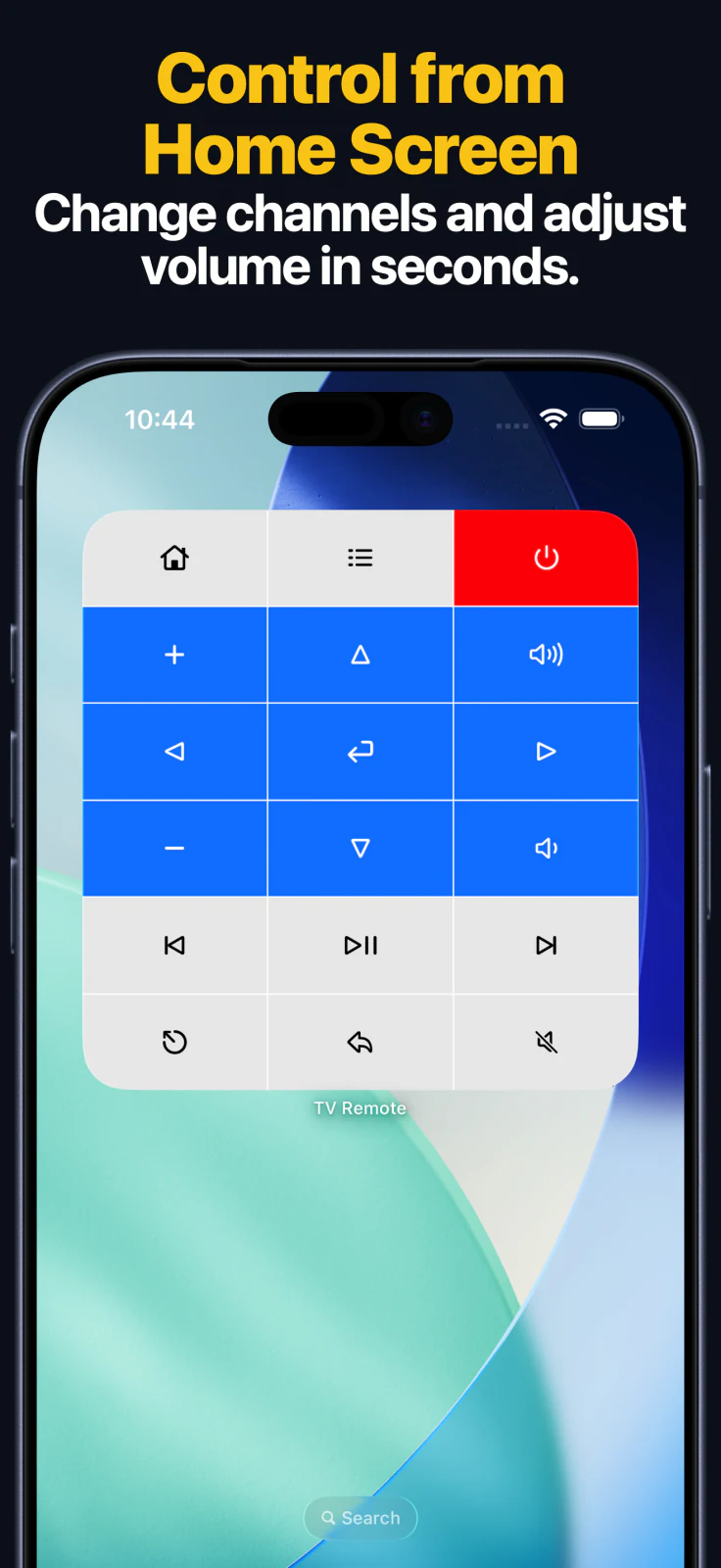
  • להשתמש בלוח שלט מלא עם ניווט, ניגון, עוצמת קול, הפעלה ושליטה נפוצה נוספת.
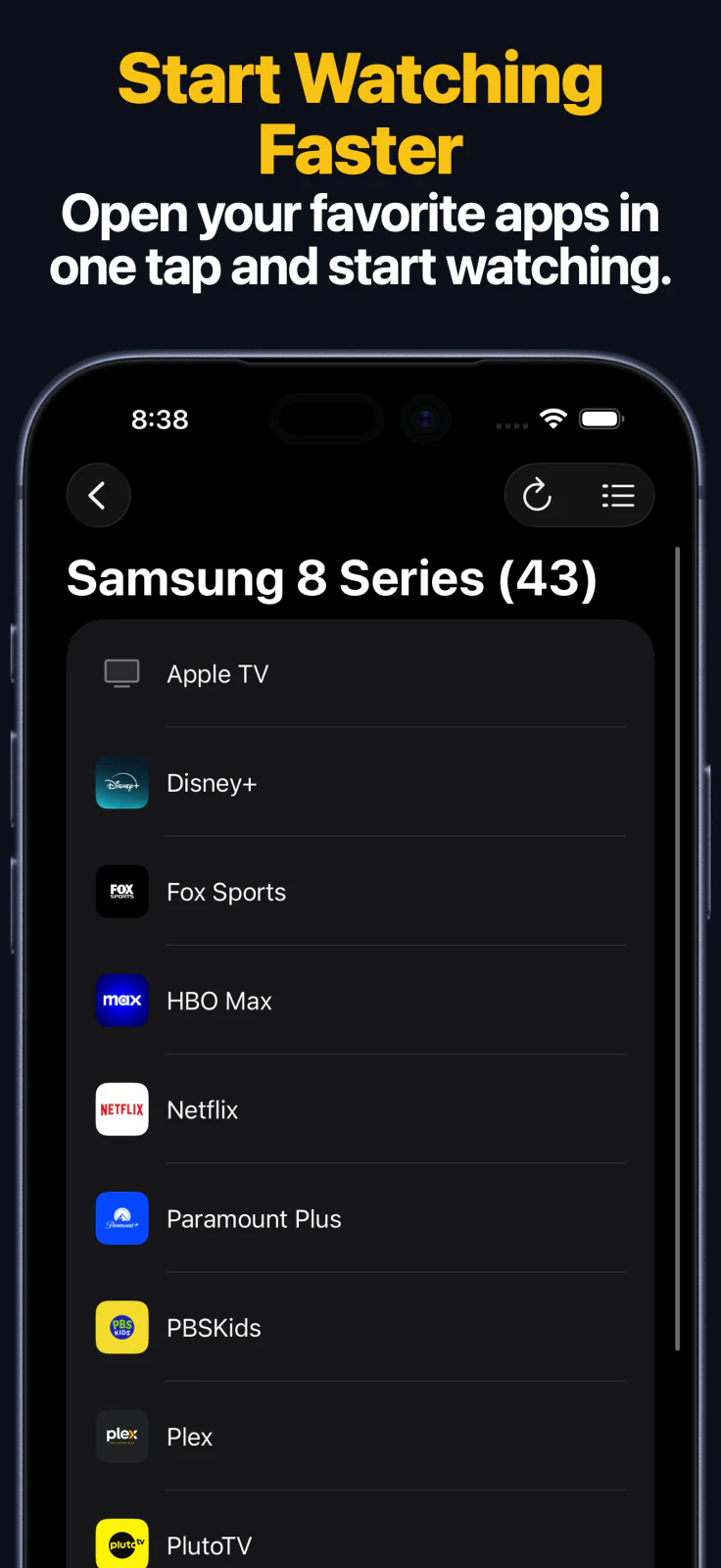
  • לפתוח אפליקציות ישירות בפלטפורמות נתמכות כמו Apple TV, Samsung, LG, Roku, Fire TV, Hisense ו‑Vizio.
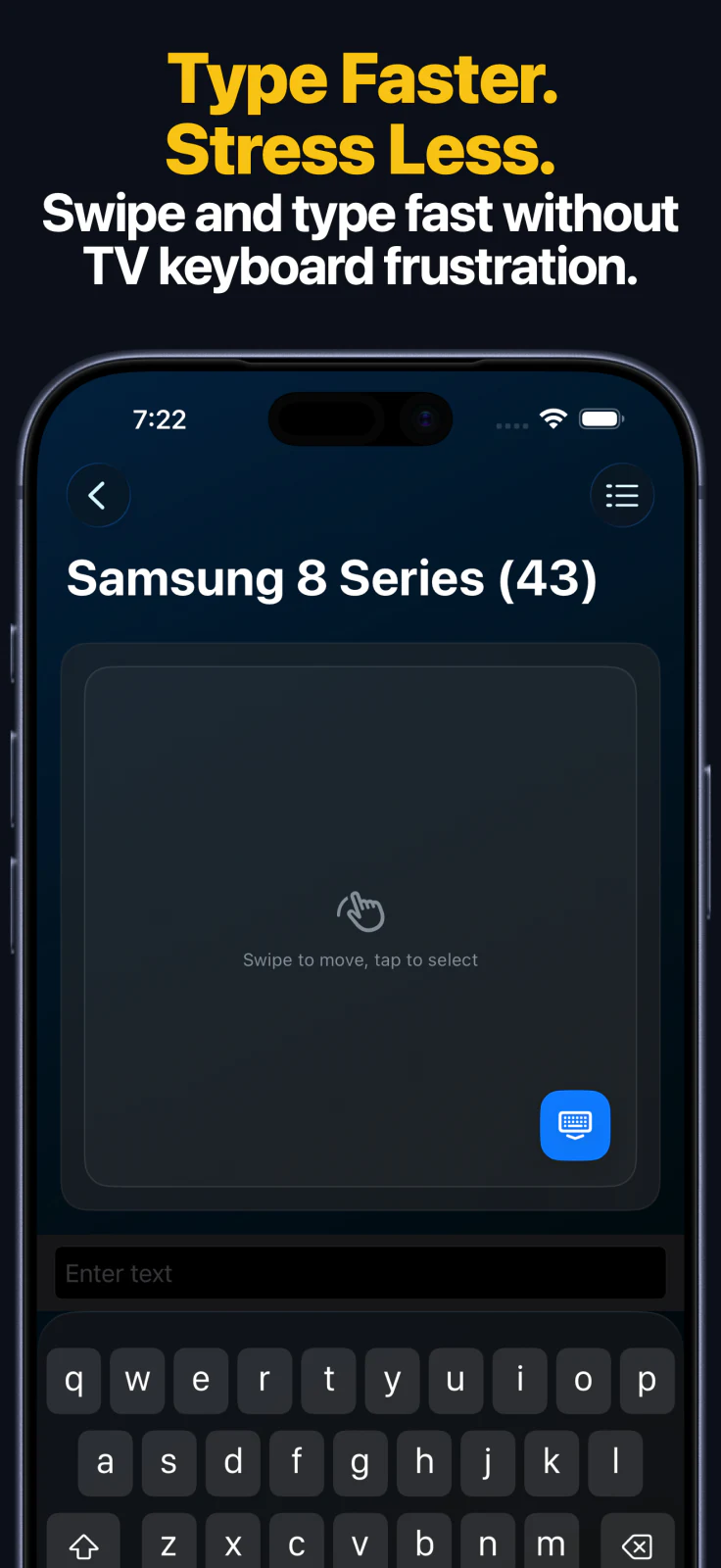
  • להקליד חיפושים, סיסמאות וטקסטים אחרים מה‑iPhone או ה‑iPad על מכשירים נתמכים.
  • להחליף כניסות HDMI ומקורות בטלוויזיות Samsung, LG, Roku, Hisense, Vizio ובחלק ממכשירי Android TV הנתמכים.
  • להשתמש בניווט touchpad ב‑Apple TV וב‑LG webOS כשזה נתמך.
  • להשתמש באפליקציית Apple Watch לשליטה מהירה בכפתורים ולפעולות נתמכות של אפליקציות או מקורות.
  • לשלוט באותם מכשירים שמורים דרך אפליקציית macOS ב‑Mac.
  • להוסיף ווידג’טים למסך הבית ולהשתמש בקיצורי Siri וב‑App Intents לשליטה מהירה יותר.
  • לשמור כמה טלוויזיות ולעבור במהירות בין חדרים.

למה אנשים משתמשים בה במקום בשלט הפיזי

  • שליטה ב‑Wi‑Fi עובדת דרך קירות וגם מחדרים אחרים באותה רשת.
  • Apple Watch, ווידג’טים וקיצורי Siri חוסכים את החיפוש אחרי השלט הפיזי.
  • הקלדת טקסט ב‑iPhone או ב‑iPad מהירה בהרבה מרוב המקלדות בטלוויזיות.
  • אפליקציה אחת יכולה לכסות כמה טלוויזיות ומכשירי סטרימינג באותו בית.

צילומי מסך של האפליקציה

Apple Watch, Mac ו‑Siri

  • אפליקציית Apple Watch מסנכרנת את המכשירים השמורים מה‑iPhone ונותנת שליטה בכפתורים לכל משפחות המכשירים הנתמכות.
  • ב‑Apple Watch פתיחת אפליקציות זמינה עבור Apple TV, Samsung, LG, Android TV, Fire TV, Roku ו‑Hisense. ב‑LG וב‑Hisense יש גם תמיכה בהחלפת מקור מהשעון.
  • אפליקציית macOS מאפשרת להשתמש באותה ספריית מכשירים שמורים ובאותן תצוגות שלט מה‑Mac.
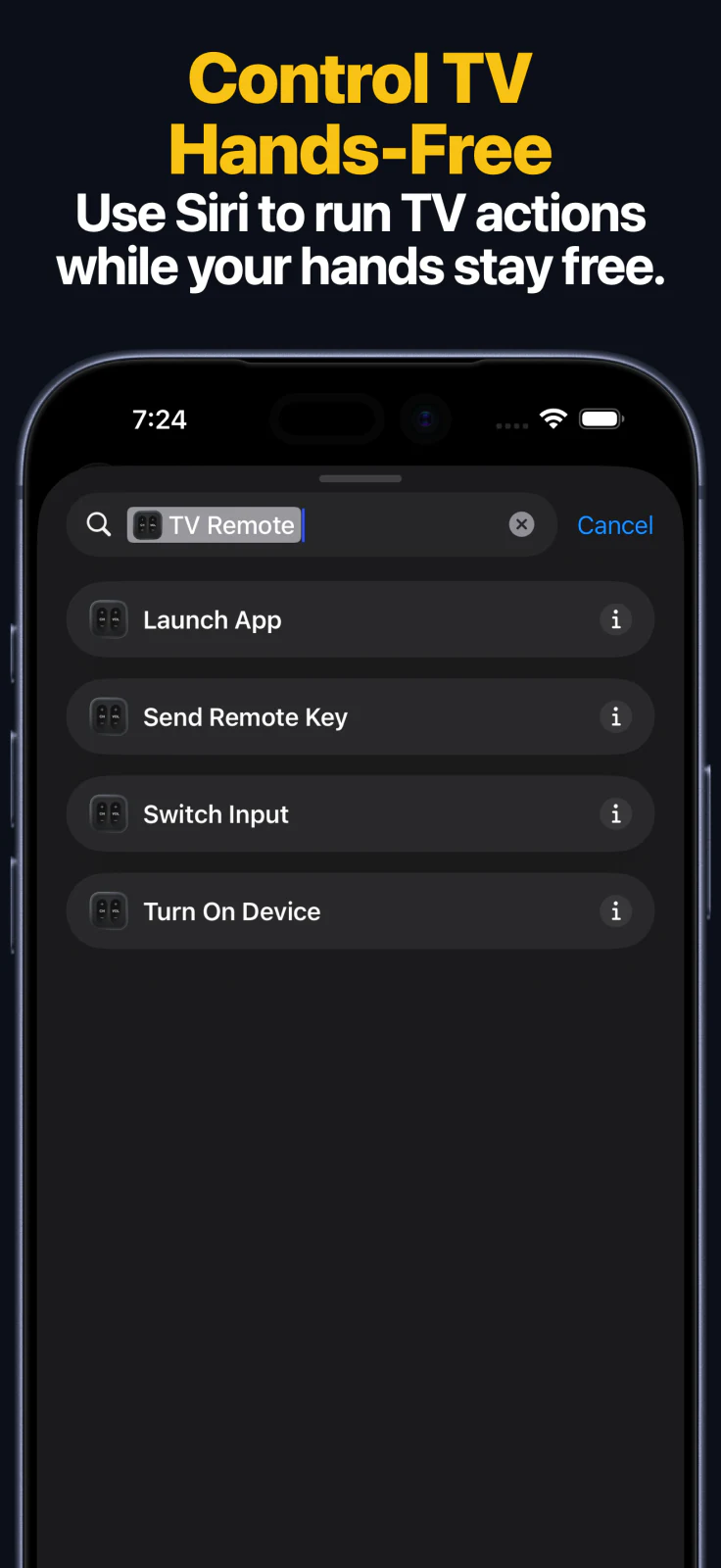
  • קיצורי Siri ו‑App Intents מציעים ארבע פעולות עיקריות: Send Key, Turn On, Launch App ו‑Switch Input במכשירים שמורים נתמכים.

אפליקציות מותאמות

אם אפליקציה חסרה ברשימת המשגרים, מכשירי Samsung TV ו‑Android TV או Google TV יכולים להשתמש ברשומות פתיחה מותאמות. השתמשו במדריך האפליקציות המותאמות לטלוויזיה כדי לבחור את עמוד מזהי האפליקציות של Samsung TV או את עמוד מזהי האפליקציות של Android TV ו‑Google TV.

מדריכי הגדרת טלוויזיה

איך מחברים טלוויזיה באפליקציה

  1. התקינו את Remote Control for TV על ה‑iPhone או ה‑iPad.
  2. חברו את המכשיר הנייד ואת הטלוויזיה או מכשיר הסטרימינג לאותה רשת מקומית.
  3. פתחו את האפליקציה ובחרו את הפלטפורמה של הטלוויזיה.
  4. עקבו אחרי תהליך הצימוד שעל המסך. בהתאם לפלטפורמה, הטלוויזיה עשויה להציג PIN או לבקש אישור לחיבור.
  5. שמרו את המכשיר כדי לגשת אליו מהר יותר בפעם הבאה.

דרישות

  • גרסת App Store הנוכחית דורשת iPhone או iPad עם iOS 17.0 ומעלה
  • טלוויזיה חכמה, סטרימינג סטיק או Android set-top box נתמכים באותה רשת
  • אופציונלי: אפליקציית Apple Watch בשעון מצומד, אפליקציית macOS ב‑Mac נתמך, ווידג’טים למסך הבית ווידג’טים למסך הנעילה
  • לפרטי פרטיות וצימוד, קראו את Local Network Security.

שאלות נפוצות

האם אפליקציית השלט הזו עובדת עם Samsung TV ו‑LG TV?

כן. האפליקציה תומכת ב‑Samsung Smart TV וב‑LG webOS TV, עם יכולות שיכולות להשתנות מעט בין הפלטפורמות.

האם האפליקציה הזאת עובדת עם Roku, Fire TV ו‑Android TV?

כן. האפליקציה תומכת במכשירי Roku, Fire TV, Android TV ו‑Google TV שנתמכים על ידה.

האם האפליקציה עובדת עם Apple TV?

כן. Apple TV HD ו‑Apple TV 4K נתמכים, ולדורות הישנים יותר של Apple TV יש מדריך נפרד.

האם אני צריך IR blaster?

לא. האפליקציה משתמשת ב‑Wi‑Fi ברשת המקומית שלכם במקום באינפרא-אדום.

יש אפליקציה ל‑Apple Watch וגם ל‑Mac?

כן. האפליקציה כוללת אפליקציית Apple Watch לגישה מהירה לשלט ואפליקציית macOS לשליטה באותם מכשירים שמורים מה‑Mac.

אפשר להשתמש ב‑Siri, בקיצורים ובווידג’טים?

כן. האפליקציה תומכת בווידג’טים וגם בקיצורי Siri ו‑App Intents לשליחת כפתורים, הפעלת מכשירים נתמכים, פתיחת אפליקציות והחלפת כניסות בטלוויזיות נתמכות.

שלטו מהר יותר במערכת הבידור הביתית, בצעו אוטומציה לשגרות אהובות עם Siri ושמרו את כל הטלוויזיות שלכם מסונכרנות ב‑iPhone, iPad, Apple Watch ו‑Mac.

Download on the App Store
essential