


Use Remote Control for TV as an Android TV and Google TV remote app for iPhone, iPad, Apple Watch, and Mac. It works over the local network with supported Android TV, Google TV, and Chromecast-branded devices.
Quick Answer
Remote Control for TV lets iPhone and iPad control supported Android TV and Google TV devices over Wi-Fi. Choose Android TV in the app, enter the pairing code shown on the TV, then use remote keys, playback controls, app launching, text input, Apple Watch controls, widgets, and Siri Shortcuts where supported.
Android TV and Google TV Features
- Remote keypad for navigation, playback, volume, and common TV controls.
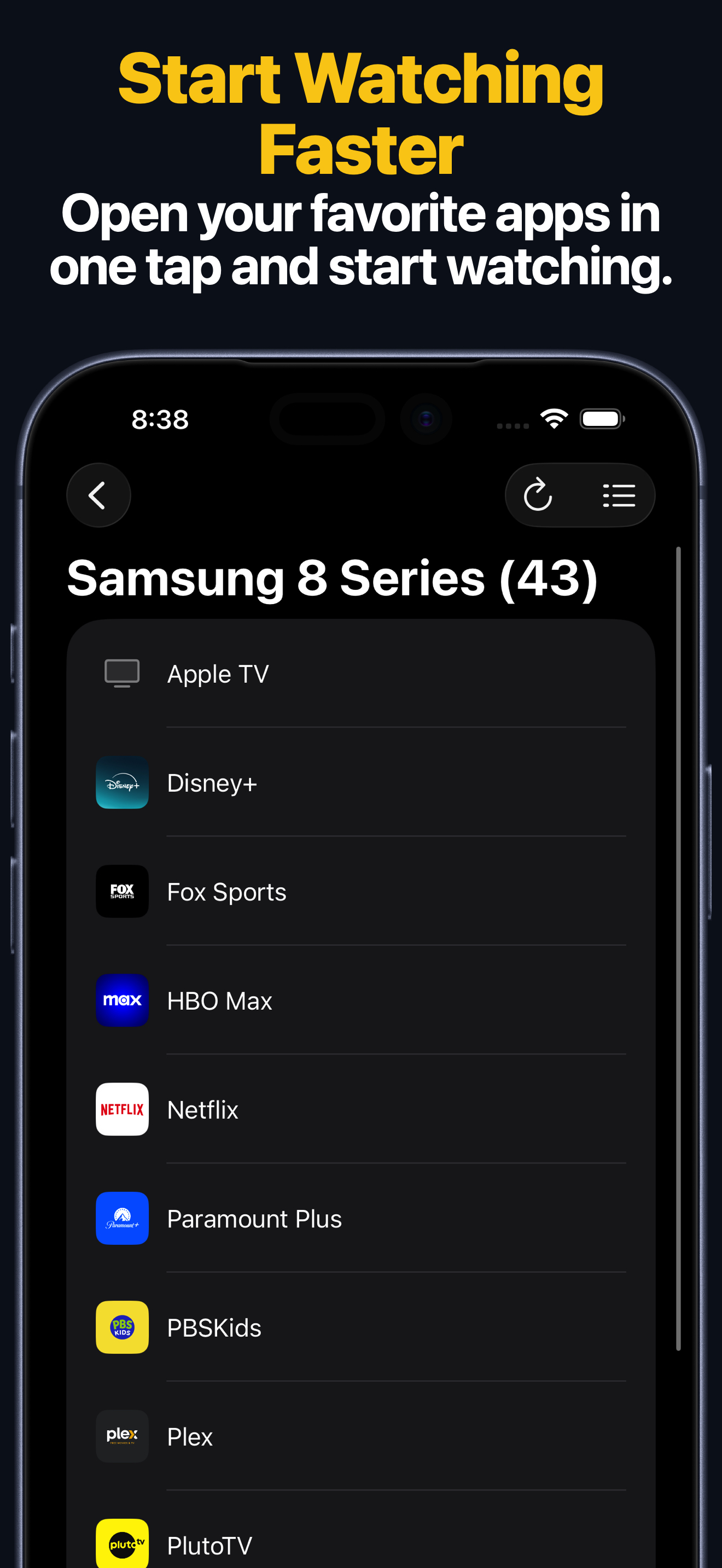
- App launching on supported Android TV and Google TV devices.
- Text input from iPhone or iPad on supported devices.
- Apple Watch keypad and app launching after the TV is saved on iPhone.
- Widgets and Siri Shortcuts for common remote actions.
- Custom Android TV app IDs using package names, launchable URLs, and deep links.
How to Set It Up
- Install Remote Control for TV on your iPhone or iPad.
- Connect the iPhone or iPad and Android TV or Google TV device to the same local network.
- Open the app and choose Android TV.
- Enter the pairing code shown on the TV.
- Approve the connection on the TV if it asks.
For more detail, use the Android TV and Google TV setup guide.
Android TV Package Names and Deep Links
If an app is missing from the launcher list, add it manually with a package name, URL, or deep link. Use the Android TV and Google TV custom app IDs page to copy entries for apps such as YouTube, Netflix, Prime Video, Disney+, Plex, Twitch, Spotify, and more.
Android TV FAQ
Which TV brands can use this Android TV remote app?
Popular Android TV and Google TV brands include Sony, TCL, Hisense, Philips, Panasonic, Sharp, Xiaomi, Thomson, Nokia, Skyworth, Haier, and Toshiba. Support depends on the device firmware and network settings.
Why does a custom app link open the wrong app?
Android app links are handled by installed apps on the TV. If a TV app does not claim a link, the TV may open a browser, another app, or nothing. Try a package name when one is listed.
Does the app need internet?
The remote connection is local network based. Some TV apps and streaming services still need internet for their own content.