 Skip to content

Remote Mouse & Keyboard lets Siri and the Shortcuts app run supported actions on a saved Windows PC. This is useful for voice-triggered keyboard shortcuts, media controls, app commands, system actions, and carefully configured custom workflows.
Quick Answer
Yes, Siri can control a Windows PC through Remote Mouse & Keyboard. Pair and save the PC, create a shortcut using an action from the app, choose the PC and command, and give the shortcut a clear name. When the PC is awake, reachable, and running Remote Helper, Siri can run the shortcut from iPhone or iPad.
How to Set It Up
- Install Remote Helper on Windows from rs.ltd/get.
- Pair and save the Windows PC in the app.
- Verify the action works directly in Remote Mouse & Keyboard.
- Open Shortcuts and add a Remote Mouse & Keyboard action.
- Select the PC and configure the action details.
- Name the shortcut and test it from the Shortcuts app.
- Ask Siri to run the shortcut by name.
Useful Windows Siri Actions
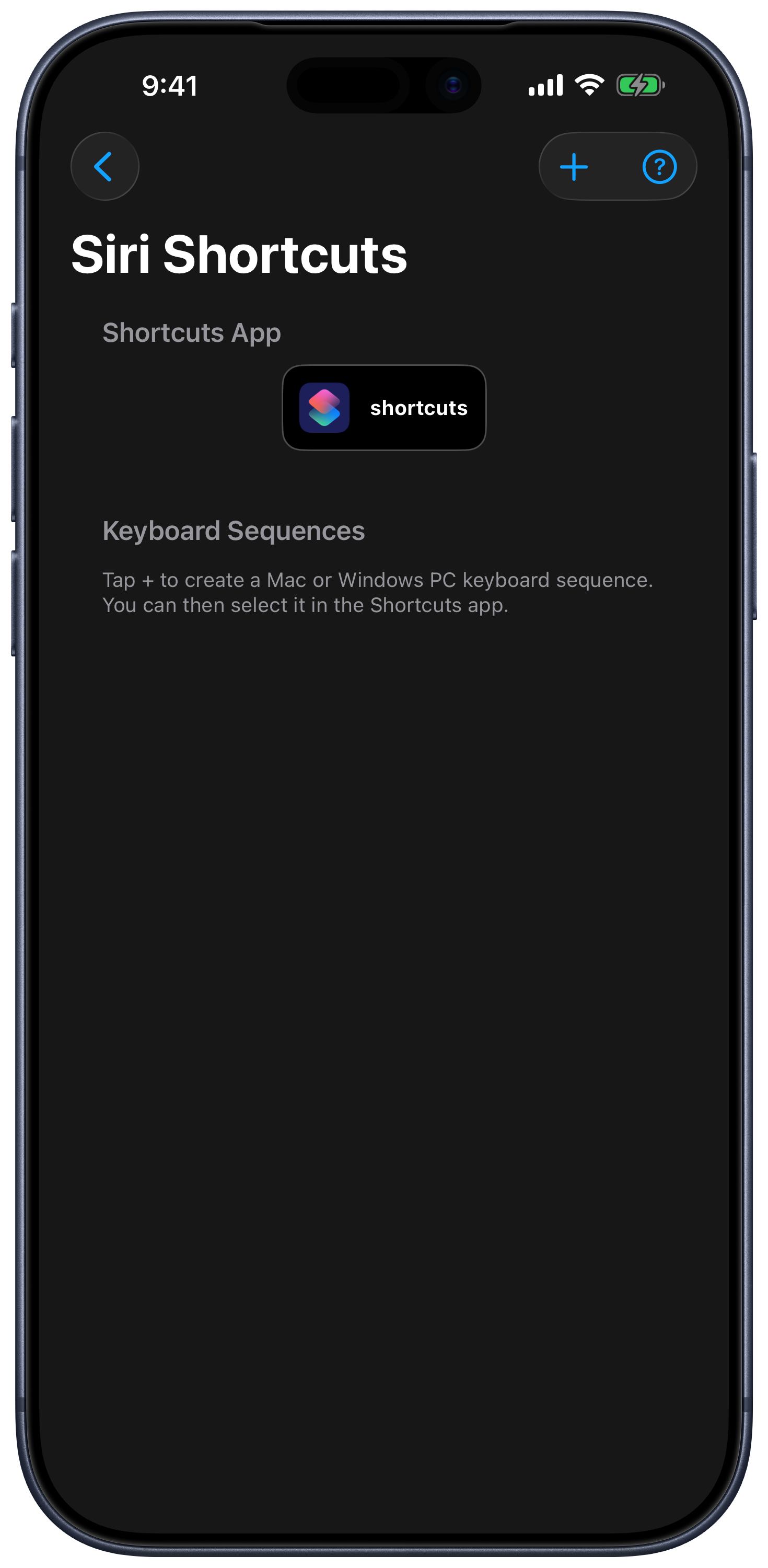
Create a named Windows sequence in Settings → Siri Shortcuts → Keyboard Sequences, then choose it with [Computer] Send Keyboard Sequence. The current Shortcuts guide also covers dedicated app, website, system, and saved computer actions.
- Send a keyboard shortcut to the active Windows app.
- Pause or resume media and use supported volume controls.
- Launch a saved application.
- Run a supported sleep, restart, or shutdown action.
- Trigger a custom keypad command or trusted PowerShell workflow.
- Combine a PC action with other steps in a personal shortcut.
Reliability and Safety
Siri commands require the PC to be available on the local network. Windows Firewall must allow Remote Helper on the trusted network. Secure prompts, BIOS, BitLocker, recovery, corporate policies, and locked-down desktops may reject remote input. Treat shutdown, script, and automation actions carefully: test them first and avoid putting destructive commands behind ambiguous phrases.
Siri Windows FAQ
Can Siri continuously move the Windows mouse?
Siri is intended for discrete commands. Open the app’s trackpad when you need continuous pointer control.
Can a shortcut wake the PC?
Wake-on-LAN can work with compatible, configured Windows hardware. See Wake Windows PC from iPhone for the required firmware, adapter, power-state, and network checks.
Why does Siri run the shortcut but nothing happens on Windows?
Confirm the PC is awake, Remote Helper is running, both devices can communicate locally, and the action works when tapped directly in the app. Then check the Windows Firewall guide.
Common questions
Can Siri control a Windows PC?
Yes. Remote Mouse & Keyboard exposes supported computer actions to Shortcuts, allowing Siri on iPhone or iPad to run saved keyboard, media, app, system, and custom actions on a paired Windows PC.
Does Remote Helper need to be running?
Yes for normal commands. The Windows PC must be awake and reachable, and Remote Helper must be available to receive the action.
Can Siri run PowerShell on my PC?
A deliberately configured custom action can use PowerShell through the app's supported custom-action flow. Only create and run scripts you understand and trust.