Skip to content
Remote Sunrise

English press kit · Home entertainment

Remote Control for TV

Bring your supported TVs and streaming devices together on iPhone, iPad, Apple Watch, and Mac.

ZIP · 19.4 MB · 22 original screenshots · 1024 × 1024 app icon · Fact sheets & company bio

Updated November 10, 2026 · Fact sheet (TXT) · Facts (JSON)

About the app

Remote Control for TV brings supported televisions and streaming devices together in one app. It offers remote navigation, text input, app launching, and custom keypads where supported, with companion controls on Apple Watch and Mac. Supported platforms include Samsung, LG, Roku, Fire TV, Android TV, Google TV, Apple TV, Hisense, and Vizio; the exact controls depend on the device.

Key features

  • Connect supported Samsung, LG, Roku, Fire TV, Android TV, Google TV, Apple TV, Hisense, and Vizio devices.
  • Navigate, launch apps, and switch inputs where your TV supports them. Check the compatibility guide for details.
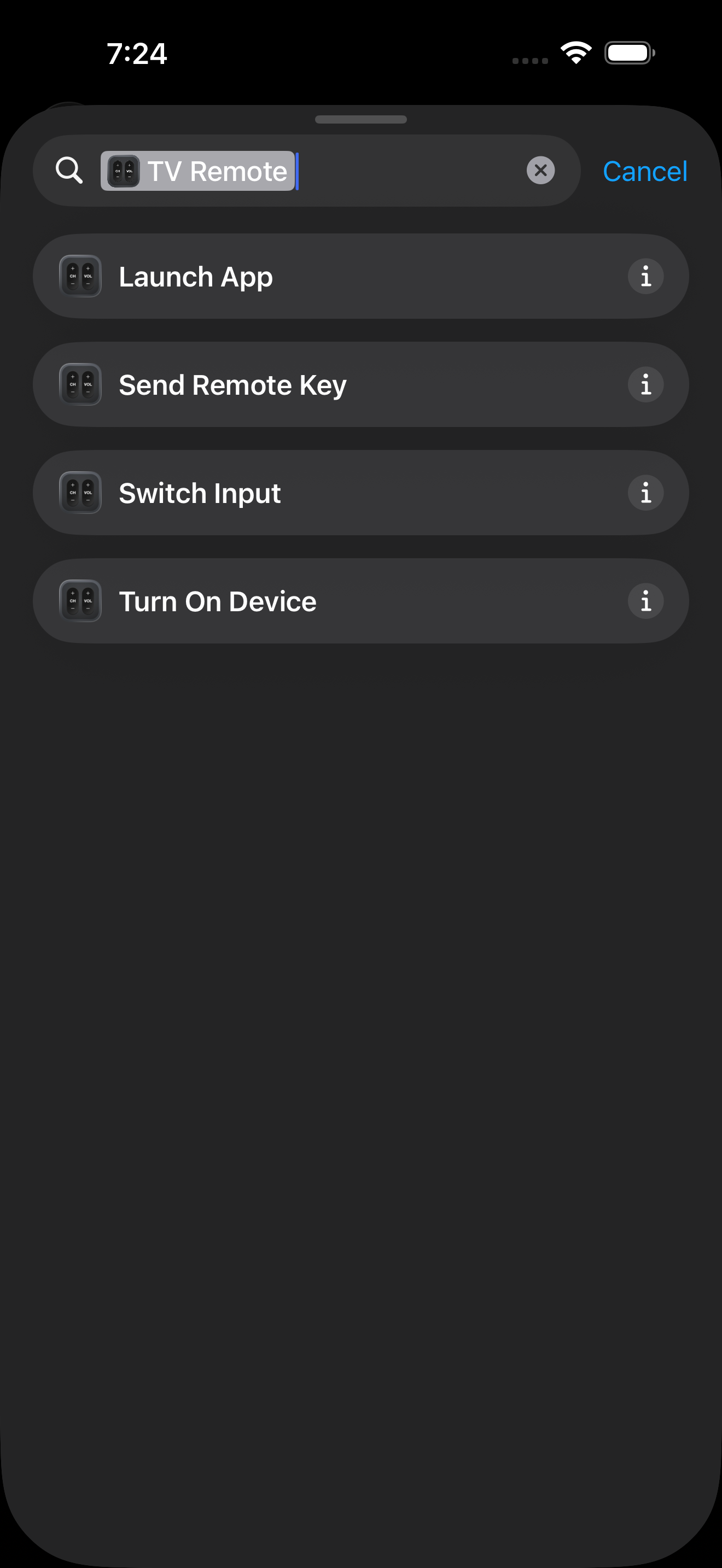
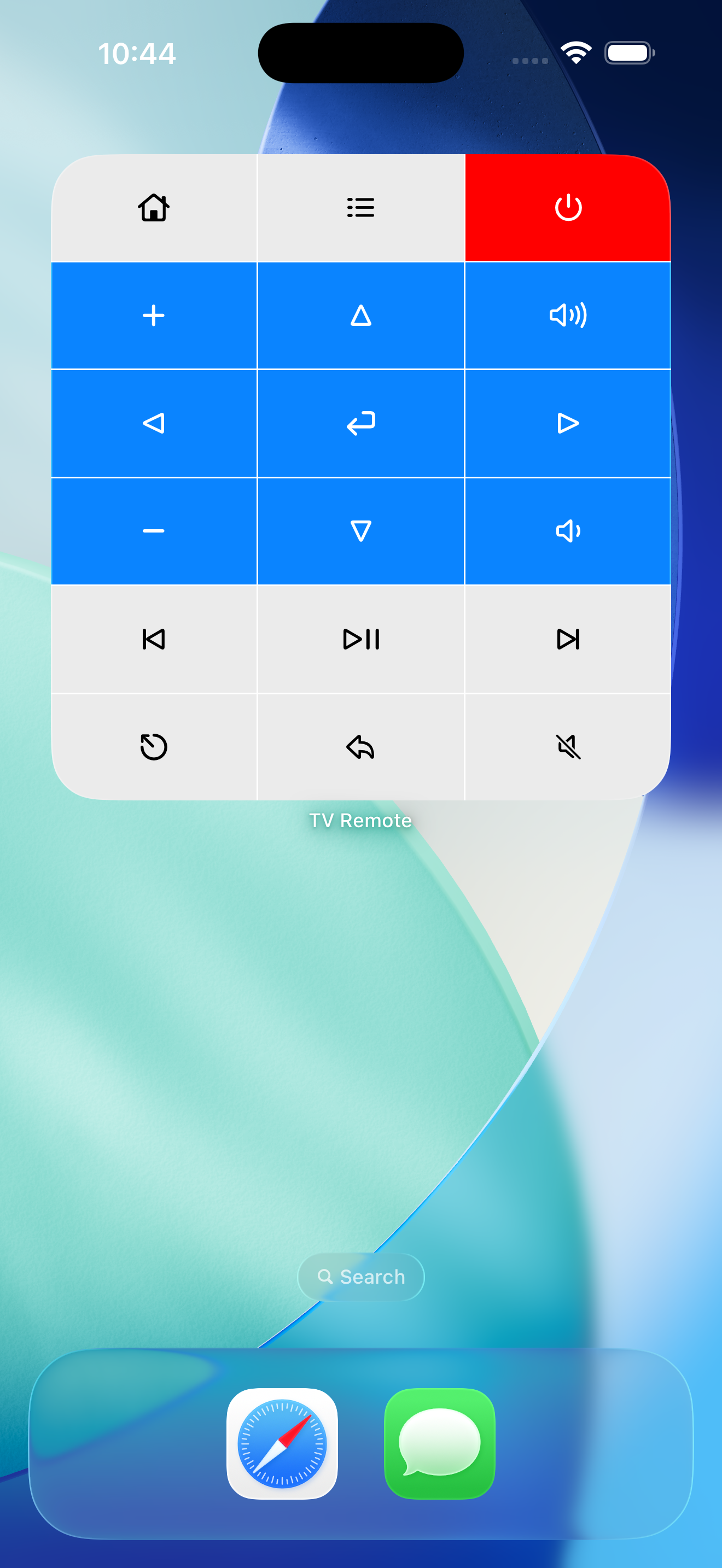
  • Use widgets, Apple Watch controls, and Siri Shortcuts for supported actions.

What it needs

A compatible TV or streaming device, network access, and any pairing required by that device. Available commands, power controls, app launching, and input switching vary by brand and model; see the compatibility guide.
Device compatibility and feature availability →

Original resolution. Ready to use.

Screenshots

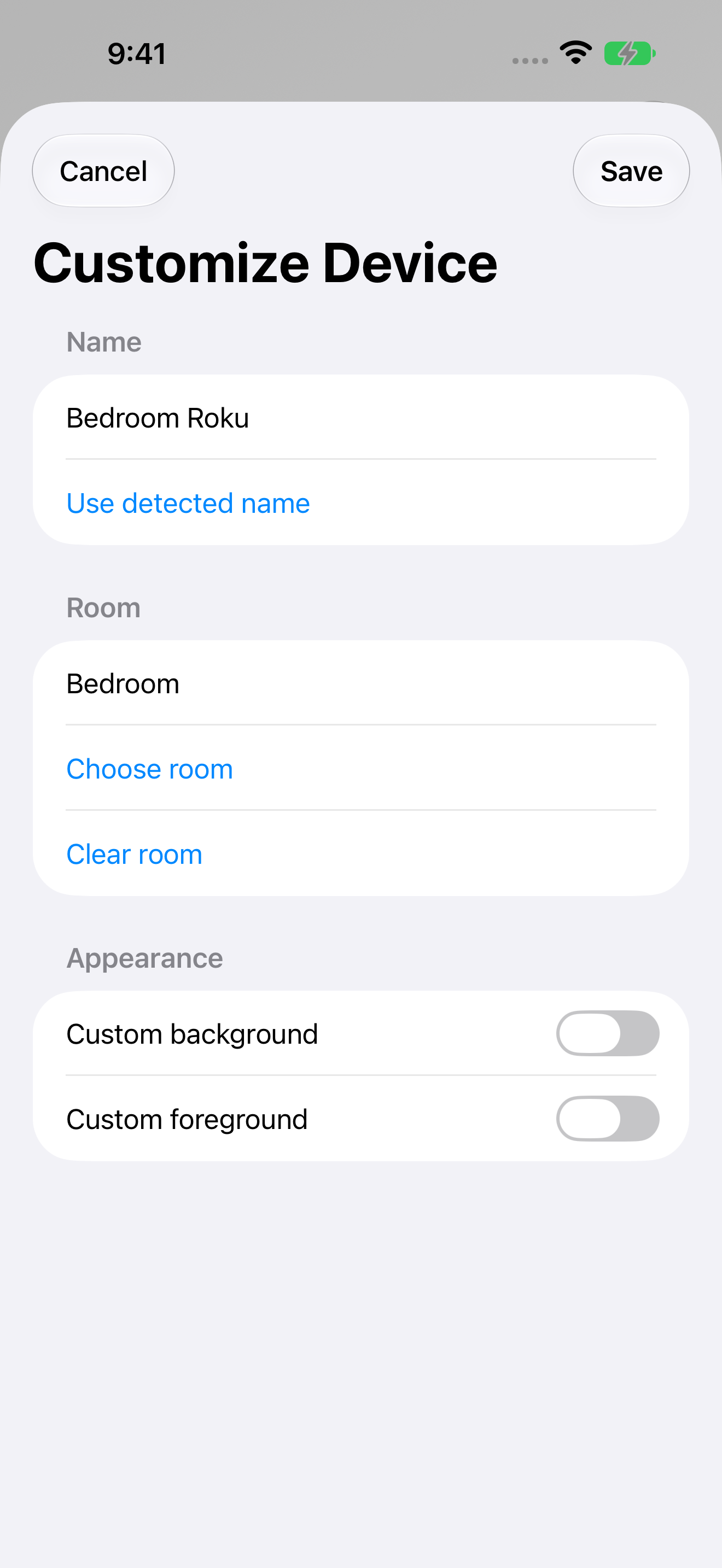
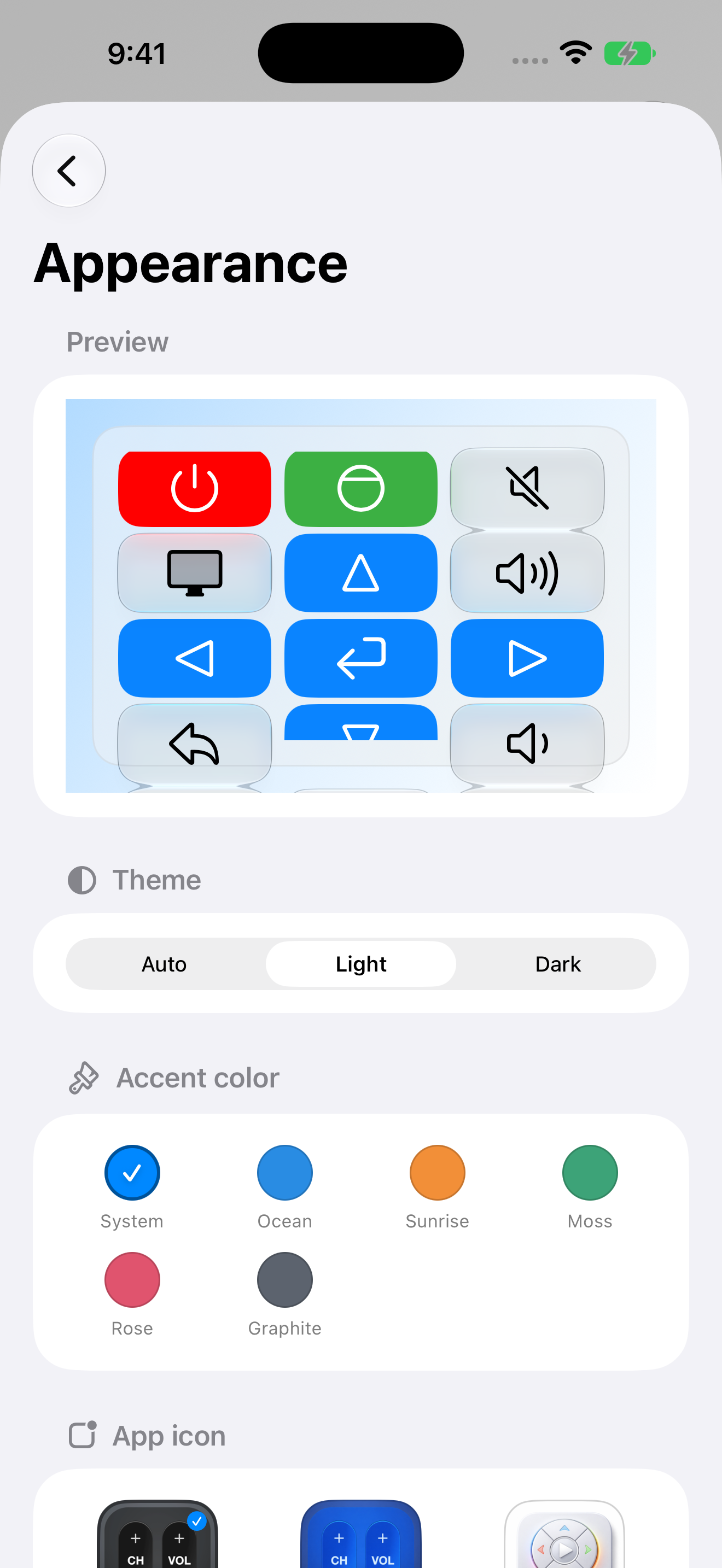
English captures cover saved devices and rooms, platform selection, the remote, apps, trackpad/keyboard, the number pad, Shortcuts, and widgets, with iPad, Mac, and Apple Watch examples. Current November 2026 captures also show device naming/room customization, keypad editing, appearance, and streamer-to-TV setup with offline demo devices.

Select an image to open the original PNG. Every original is also in the ZIP.

Main screens

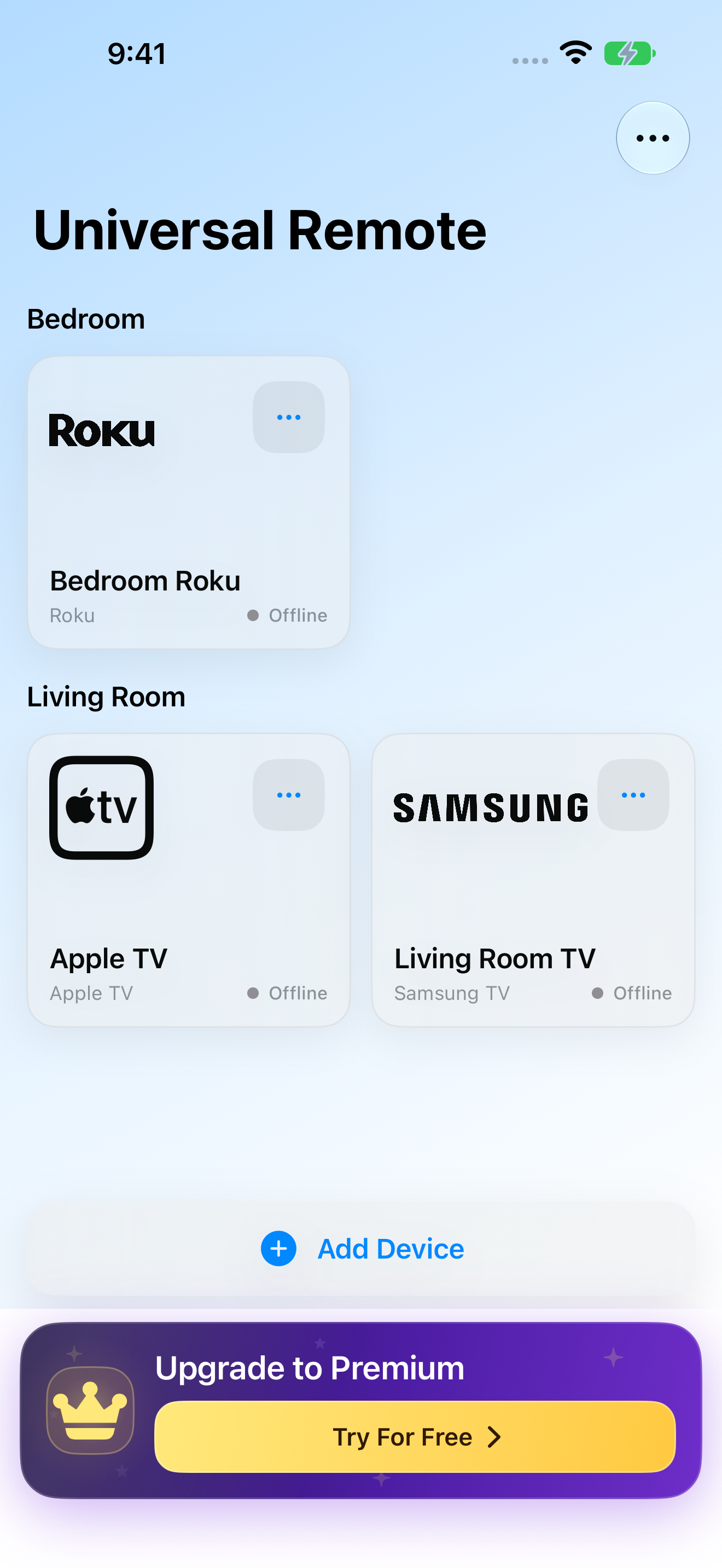
Remote Control for TV: Saved TVs and streaming devices organized by room
Saved TVs and streaming devices organized by room 1320 × 2868 · PNGCurrent native UI with offline demo devices · November 10, 2026
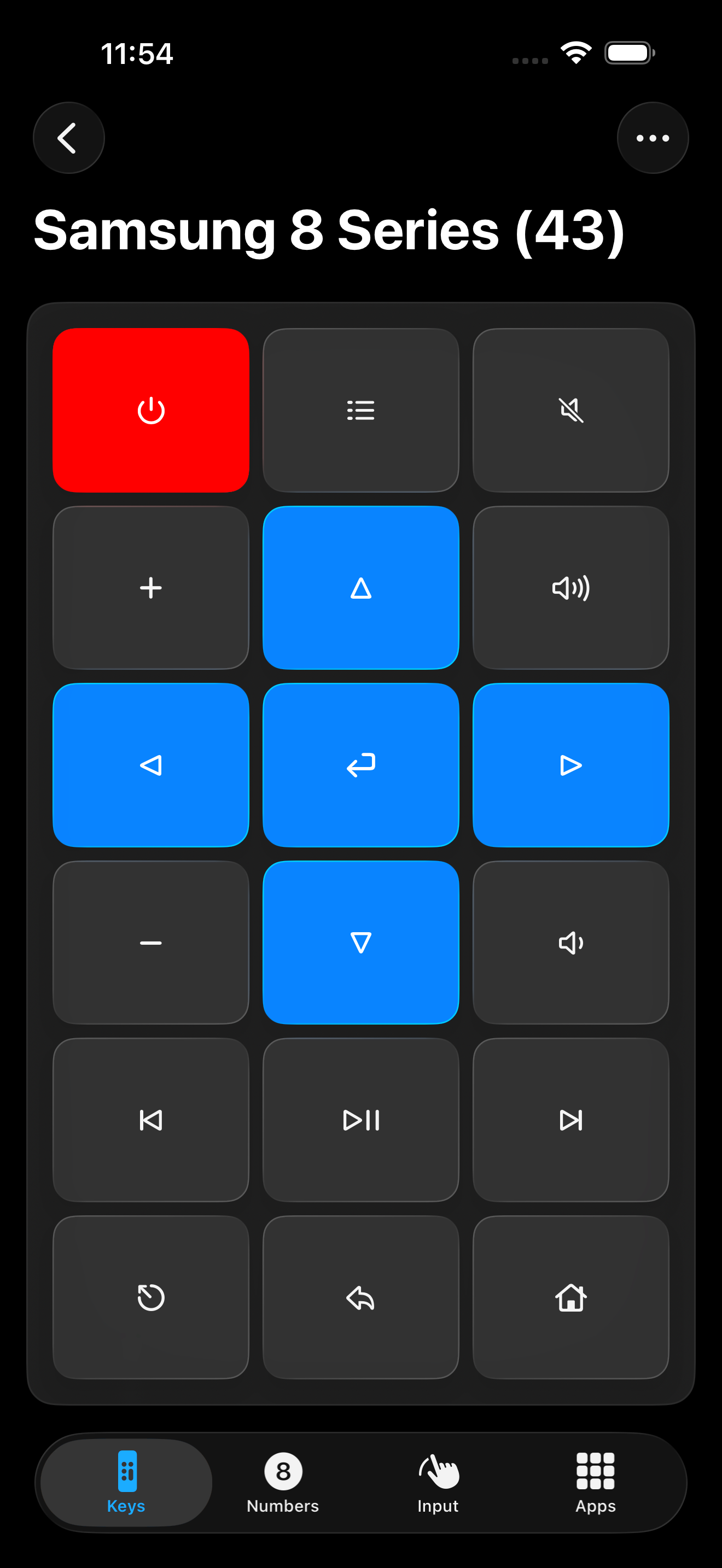
Remote Control for TV: TV remote controls
TV remote controls 1320 × 2868 · PNGExisting English capture · September 2026
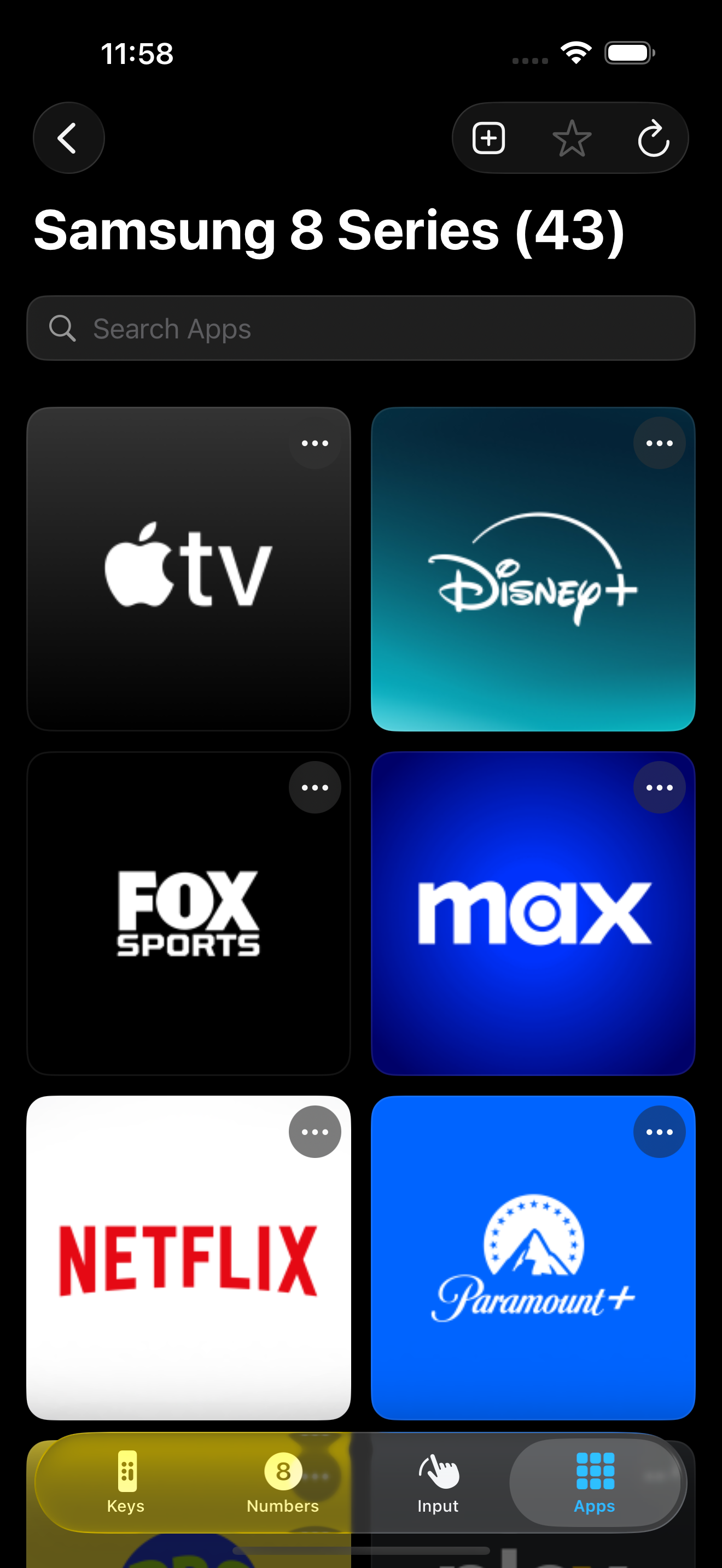
Remote Control for TV: TV app launcher
TV app launcher 1320 × 2868 · PNGExisting English capture · September 2026
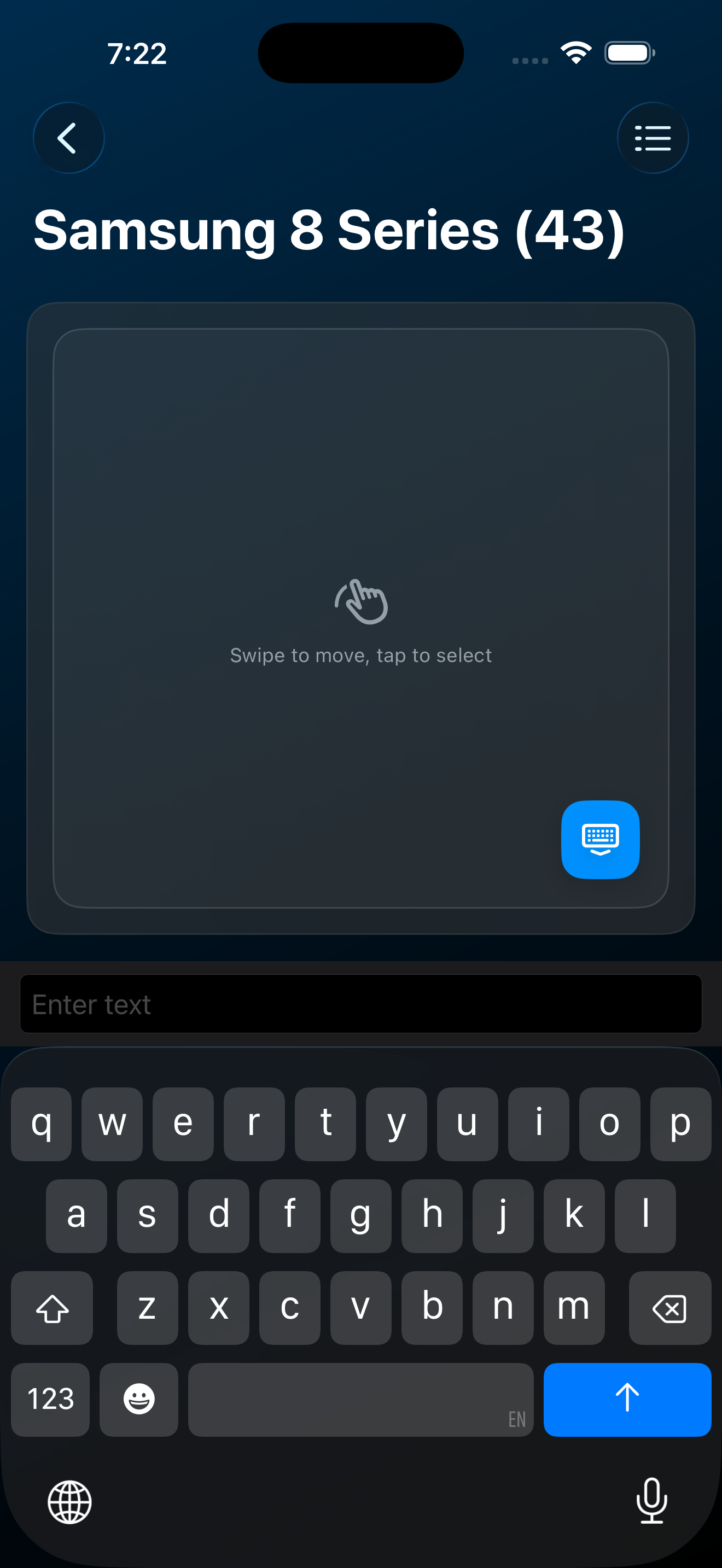
Remote Control for TV: Trackpad and text keyboard
Trackpad and text keyboard 1320 × 2868 · PNGExisting English capture · September 2026
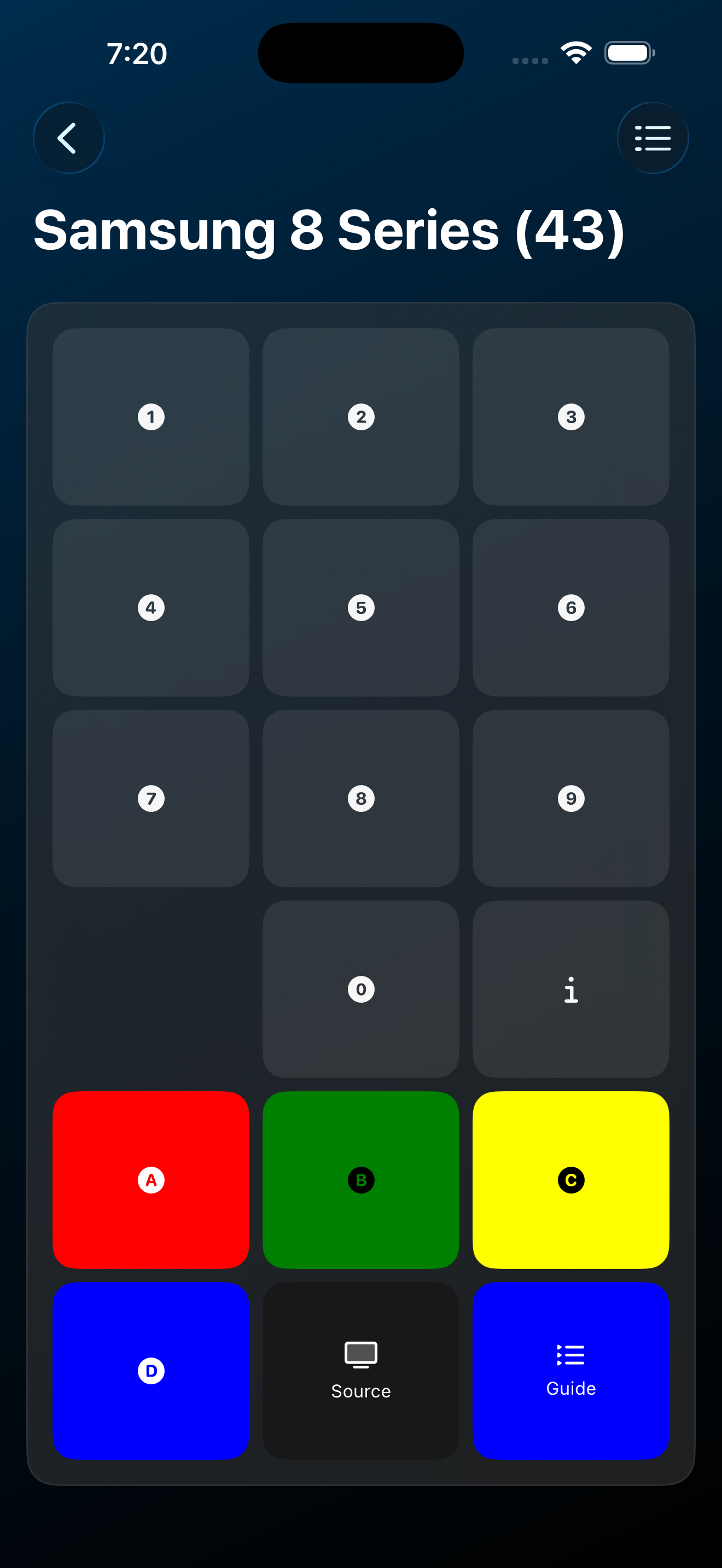
Remote Control for TV: TV number pad
TV number pad 1320 × 2868 · PNGExisting English capture · September 2026
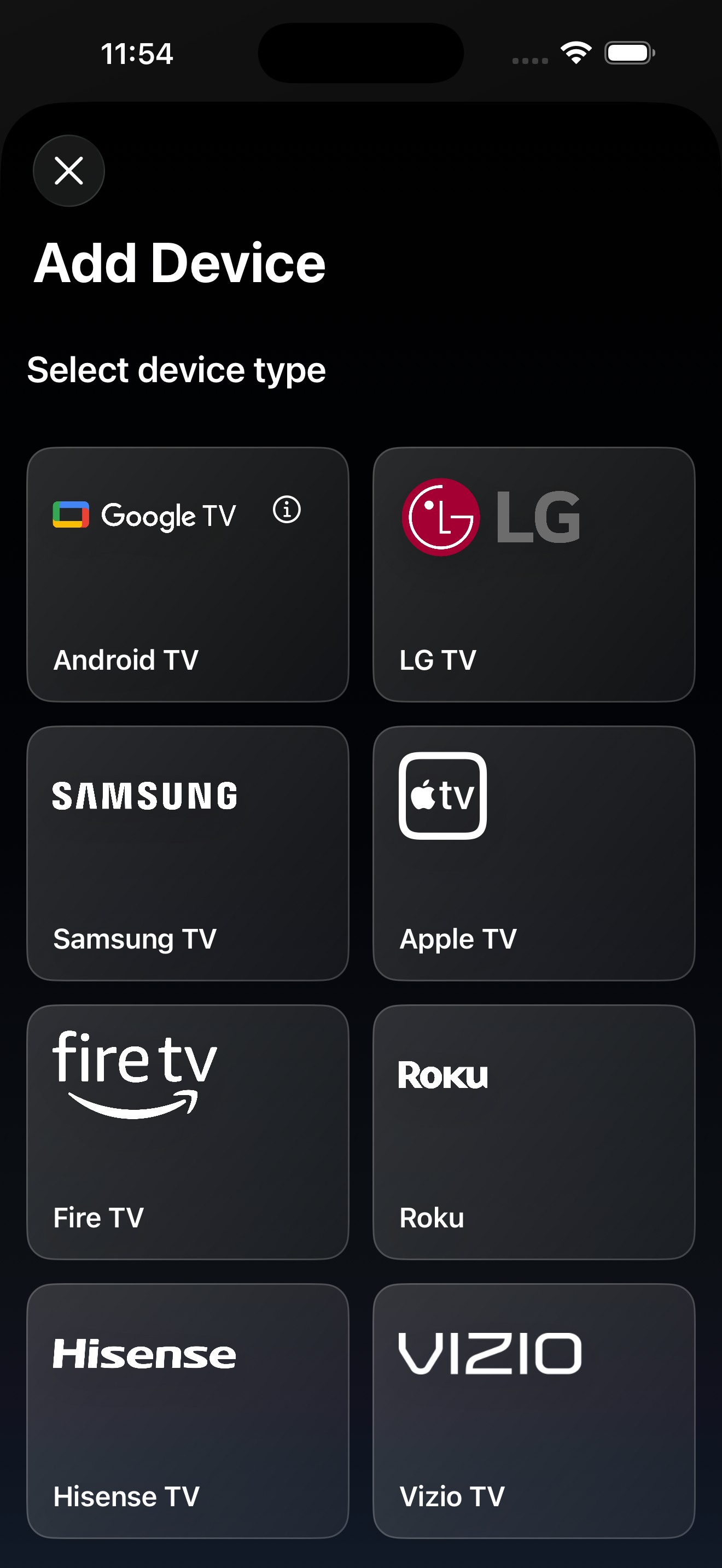
Remote Control for TV: Choose a TV or streaming platform
Choose a TV or streaming platform 1320 × 2868 · PNGExisting English capture · September 2026

Features & customization

Remote Control for TV: Rename a device, assign its room, and customize its card appearance
Rename a device, assign its room, and customize its card appearance 1320 × 2868 · PNGCurrent native UI with offline demo devices · November 10, 2026
Remote Control for TV: TV actions in Apple Shortcuts
TV actions in Apple Shortcuts 1320 × 2868 · PNGExisting English capture · September 2026
Remote Control for TV: TV remote Home Screen widget
TV remote Home Screen widget 1320 × 2868 · PNGExisting English capture · September 2026
Remote Control for TV: Appearance preview, theme, accent colors, and app icons
Appearance preview, theme, accent colors, and app icons 1320 × 2868 · PNGCurrent native UI with offline demo devices · November 10, 2026
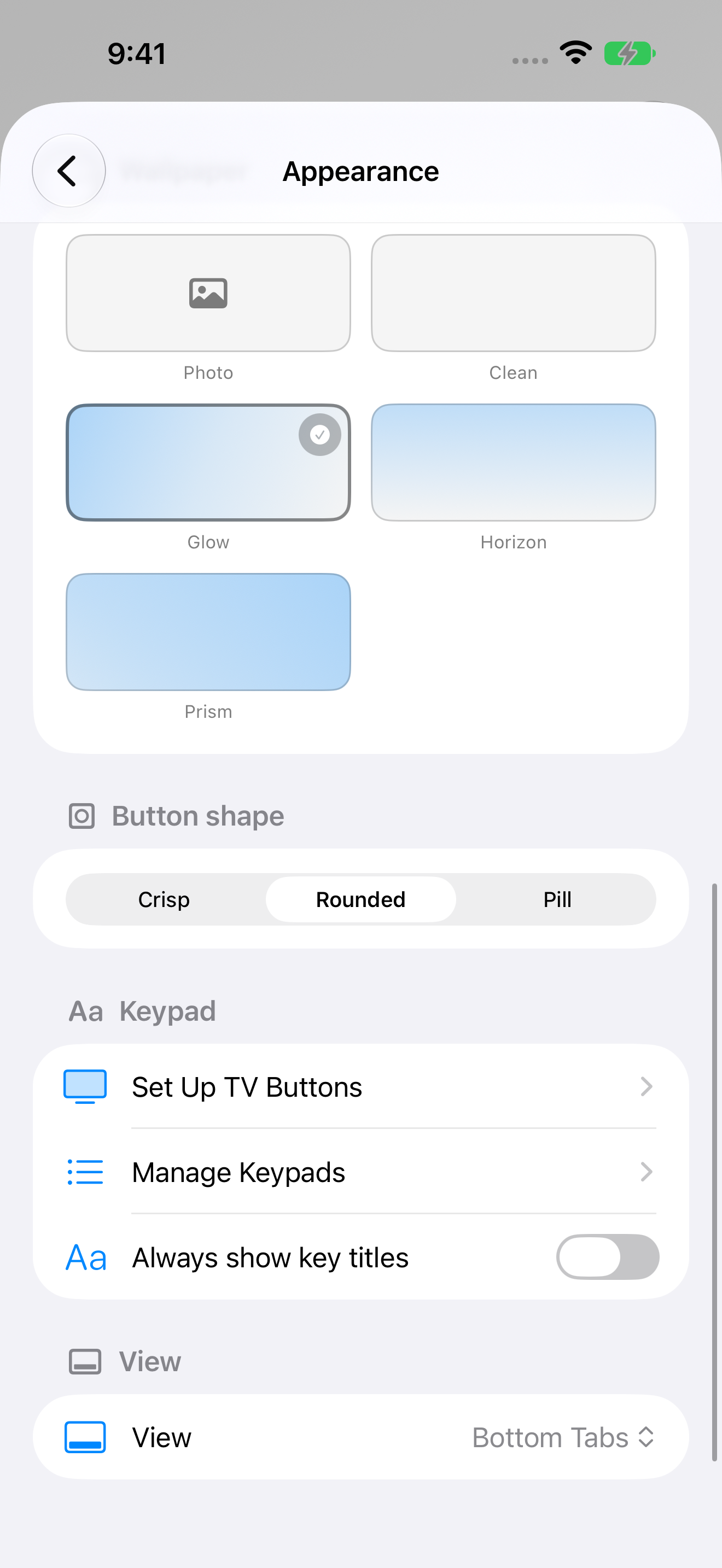
Remote Control for TV: Wallpaper, button shape, connected-TV setup, and keypad management settings
Wallpaper, button shape, connected-TV setup, and keypad management settings 1320 × 2868 · PNGCurrent native UI with offline demo devices · November 10, 2026
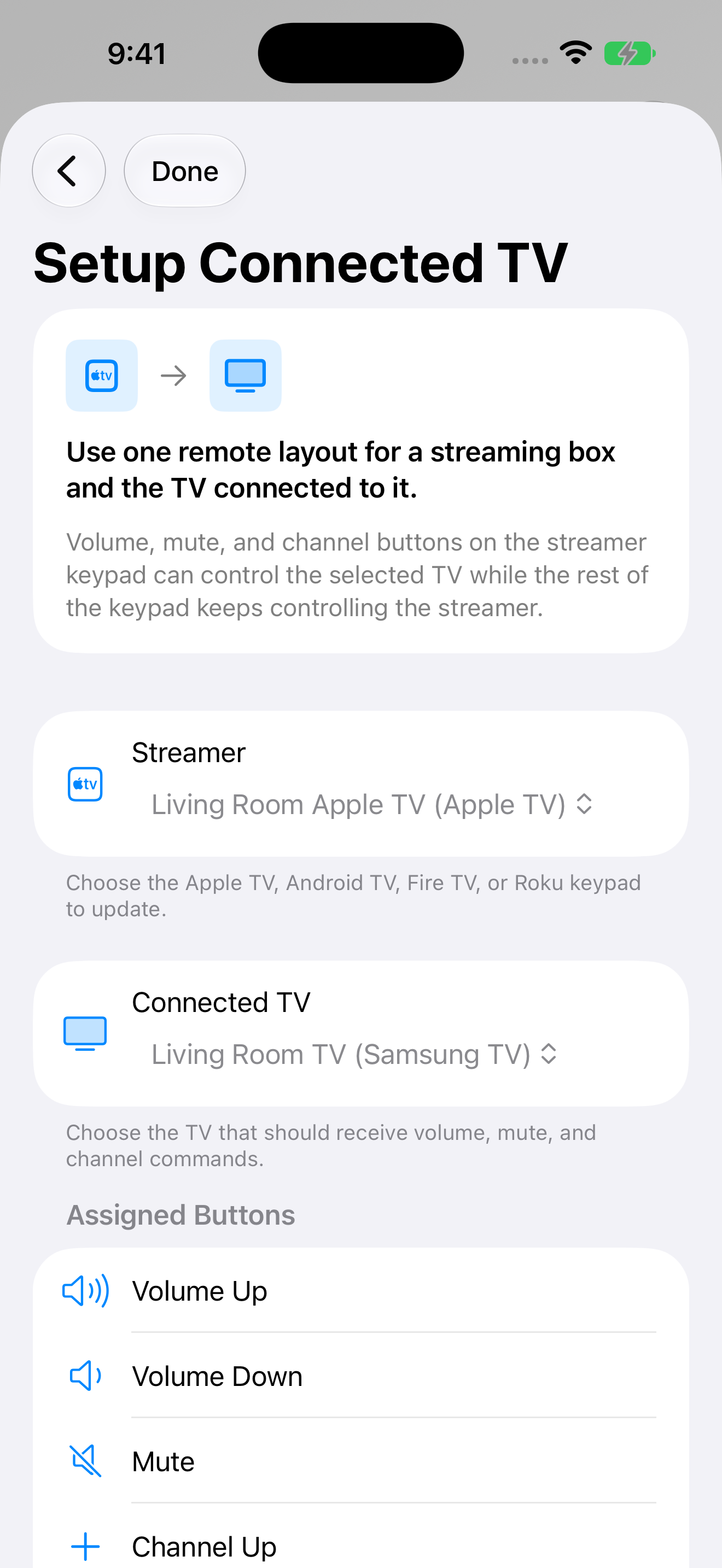
Remote Control for TV: Assign television controls to a streaming device
Assign television controls to a streaming device 1320 × 2868 · PNGCurrent native UI with offline demo devices · November 10, 2026
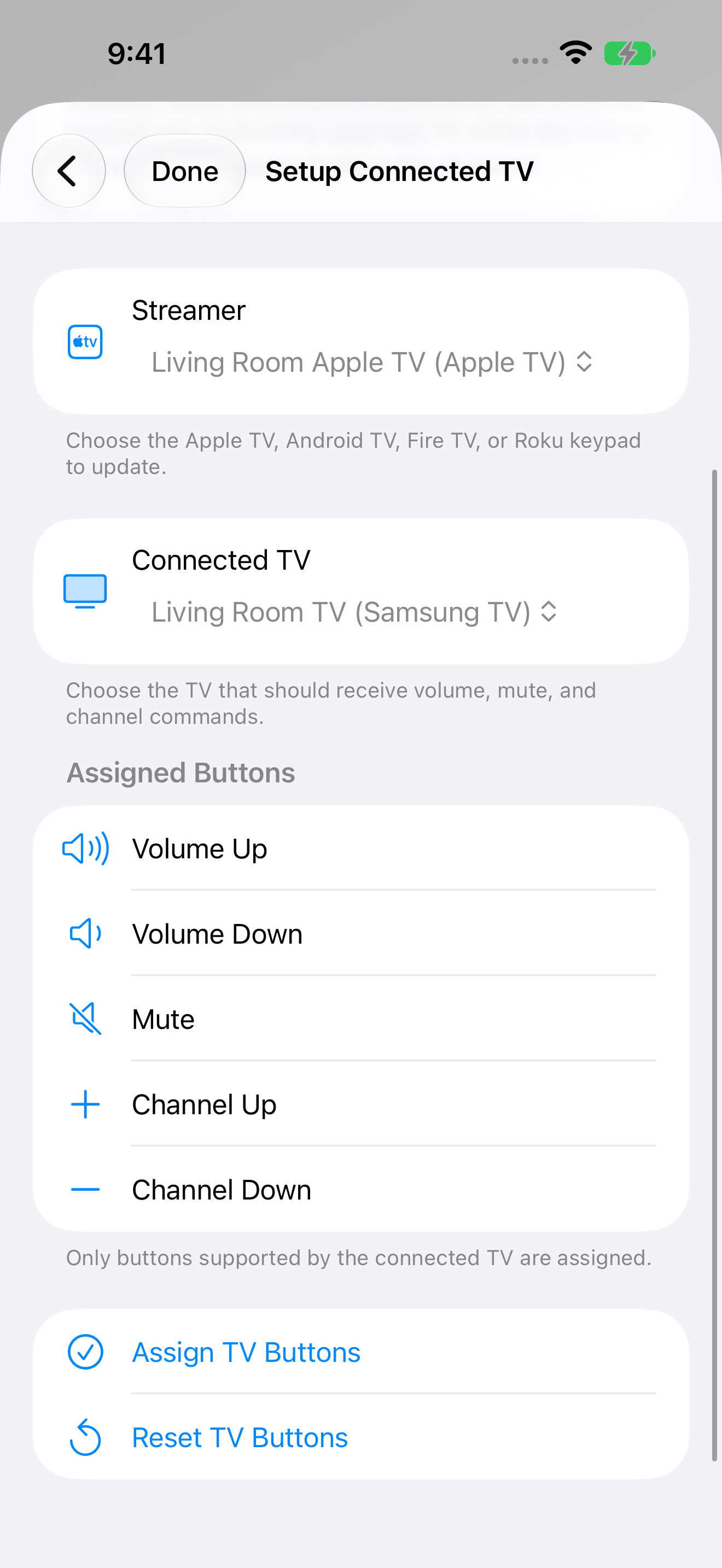
Remote Control for TV: Volume, mute, and channel buttons assigned to the connected TV
Volume, mute, and channel buttons assigned to the connected TV 1320 × 2868 · PNGCurrent native UI with offline demo devices · November 10, 2026
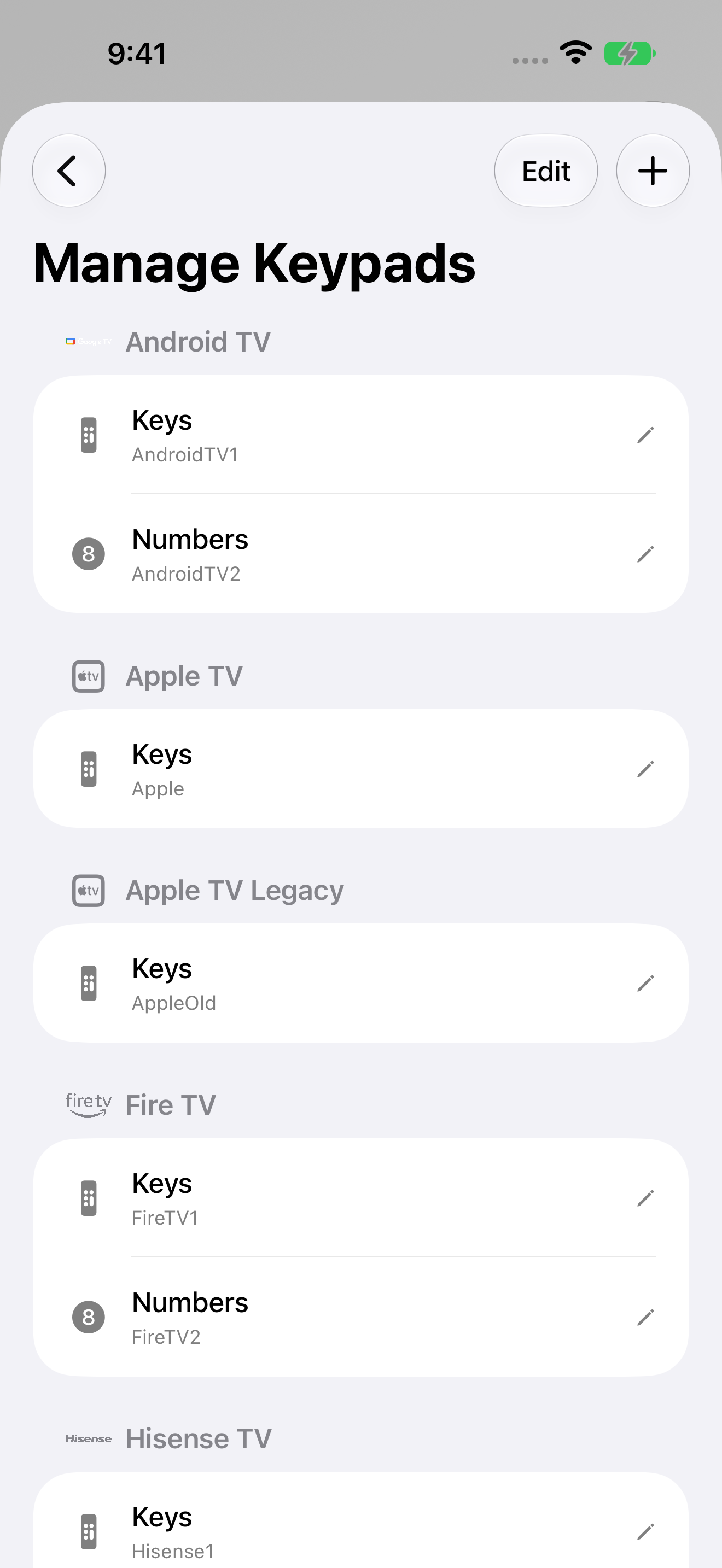
Remote Control for TV: Manage remote and number keypads by TV platform
Manage remote and number keypads by TV platform 1320 × 2868 · PNGCurrent native UI with offline demo devices · November 10, 2026
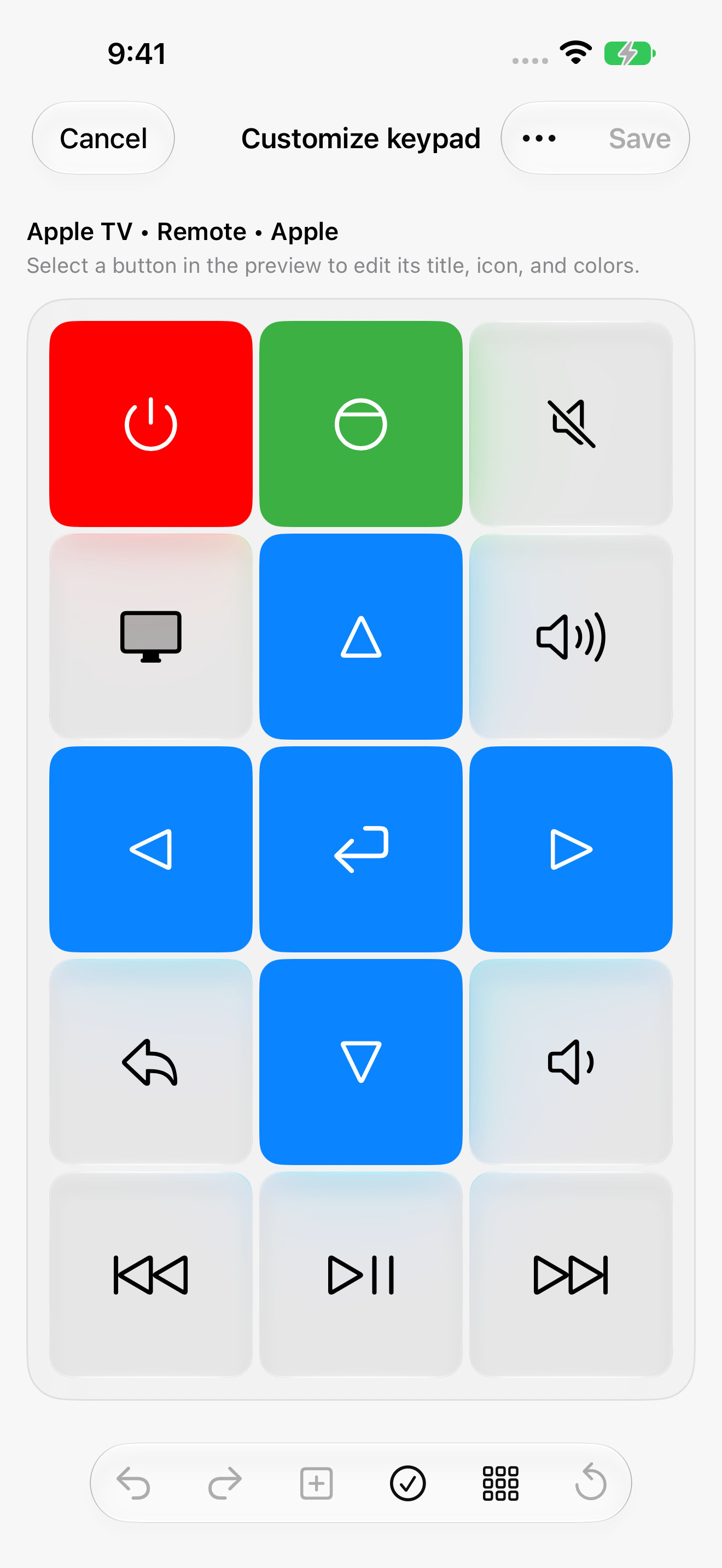
Remote Control for TV: Edit the Apple TV remote keypad layout
Edit the Apple TV remote keypad layout 1320 × 2868 · PNGCurrent native UI with offline demo devices · November 10, 2026

More platforms

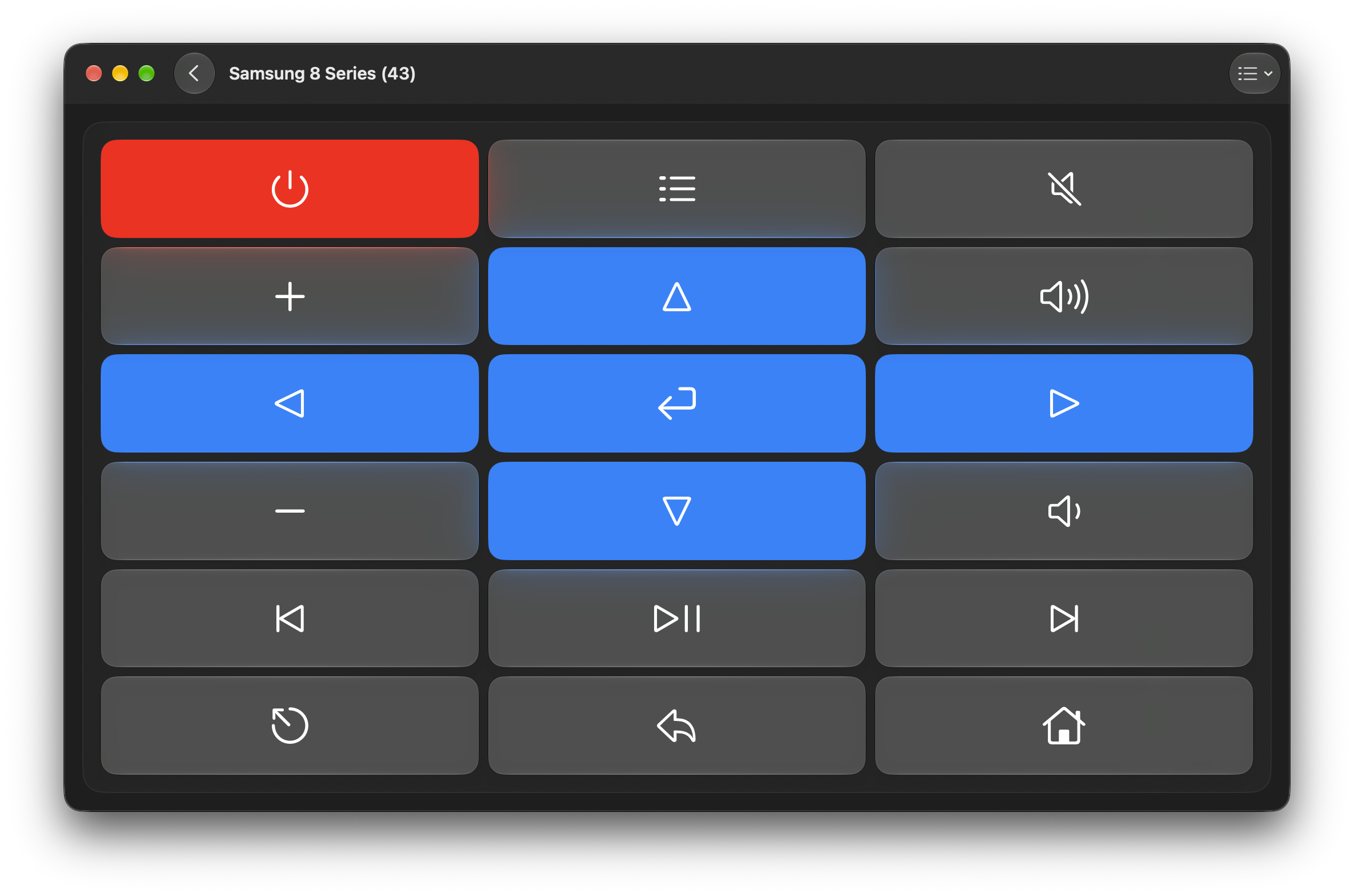
Remote Control for TV: TV remote on Mac
TV remote on Mac 2366 × 1566 · PNGExisting English capture · October 2026
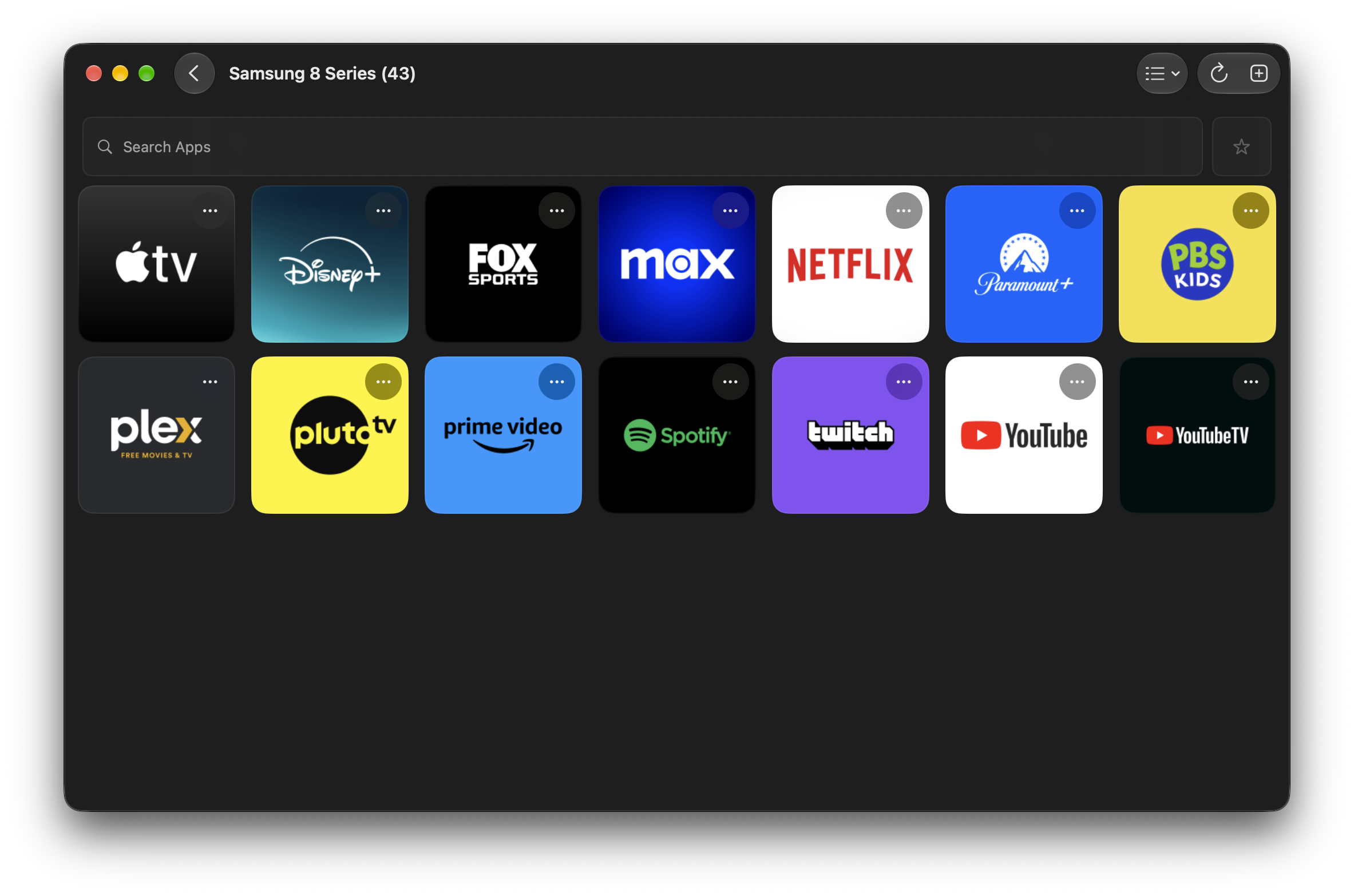
Remote Control for TV: TV app launcher on Mac
TV app launcher on Mac 2366 × 1566 · PNGExisting English capture · October 2026
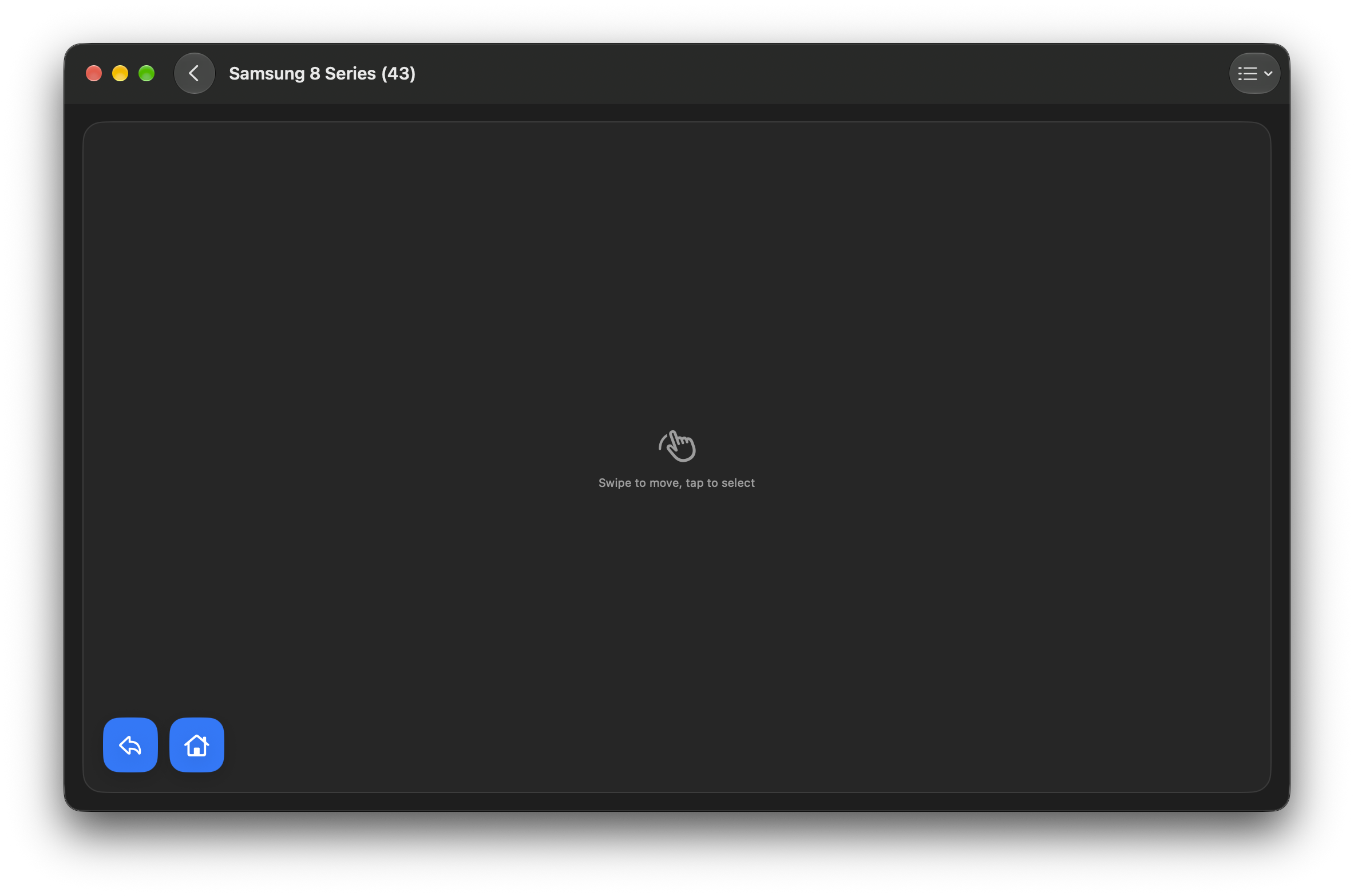
Remote Control for TV: TV text input on Mac
TV text input on Mac 2366 × 1566 · PNGExisting English capture · October 2026
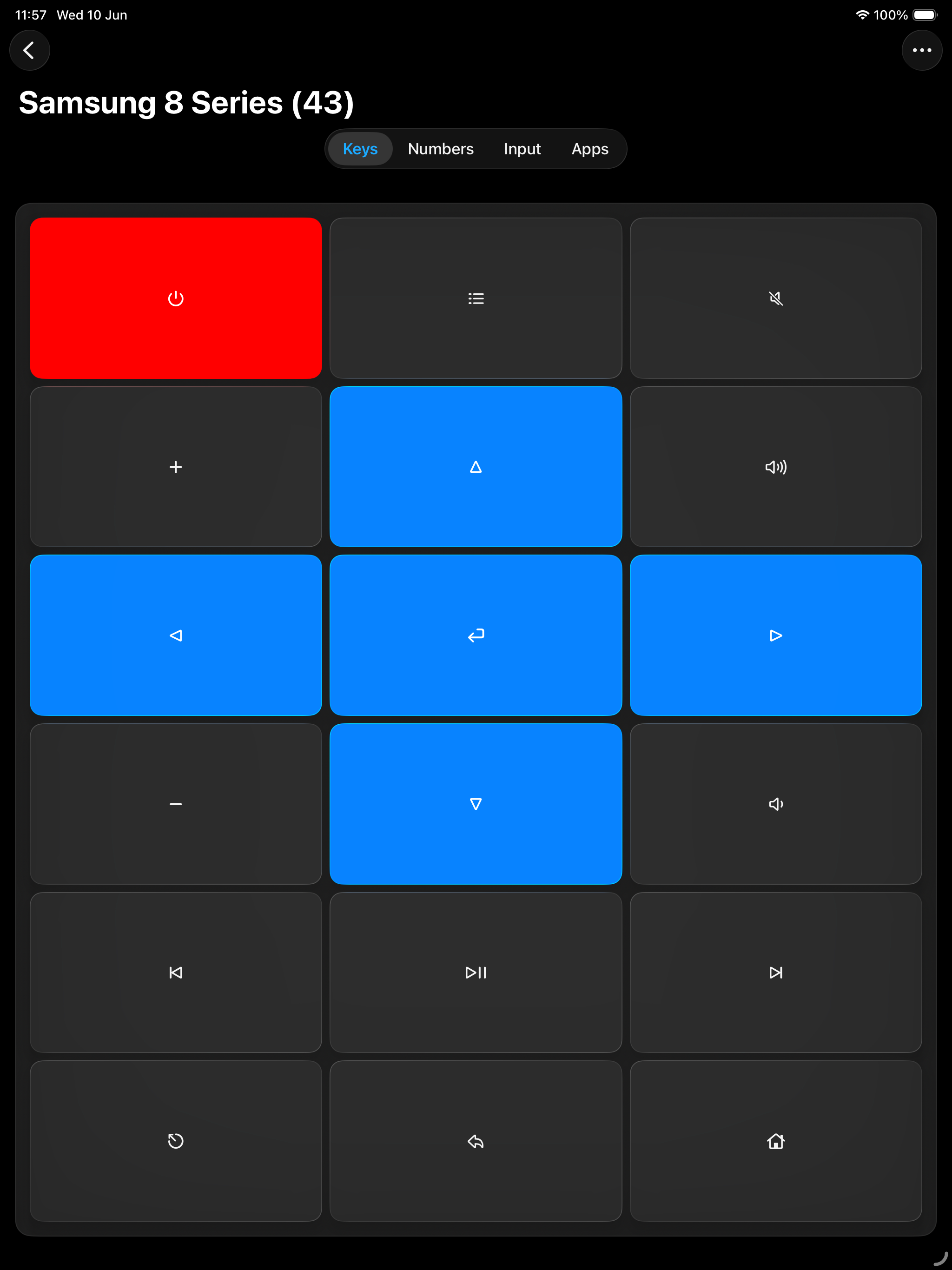
Remote Control for TV: TV remote on iPad
TV remote on iPad 2048 × 2732 · PNGExisting English capture · September 2026
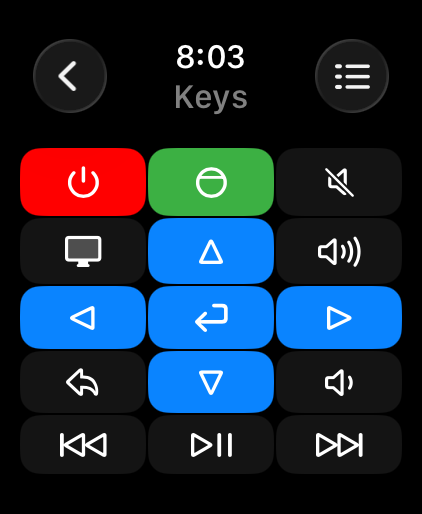
Remote Control for TV: TV remote on Apple Watch
TV remote on Apple Watch 422 × 514 · PNGExisting English capture · March 2026
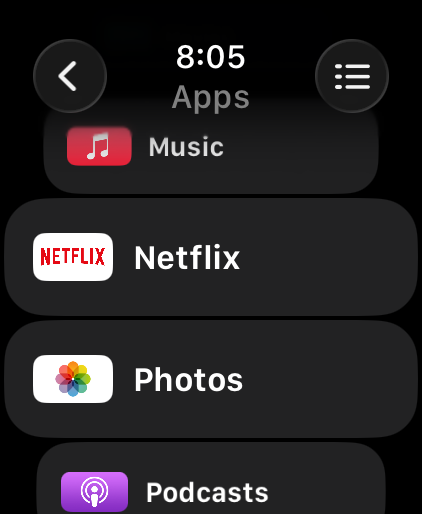
Remote Control for TV: TV app launcher on Apple Watch
TV app launcher on Apple Watch 422 × 514 · PNGExisting English capture · March 2026
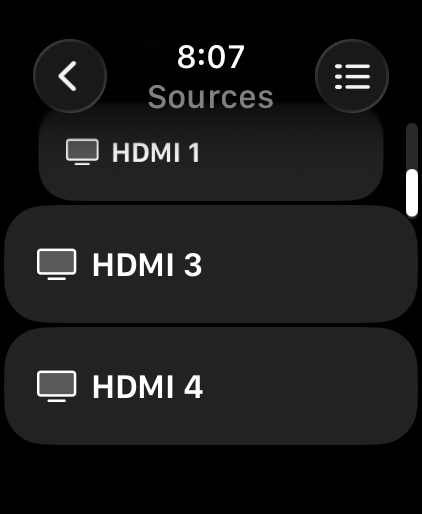
Remote Control for TV: TV input sources on Apple Watch
TV input sources on Apple Watch 422 × 514 · PNGExisting English capture · March 2026

The official artwork

App icons

For your story

The supplied app icons, company marks, and screenshots may be used for editorial coverage of Remote Sunrise LTD and its apps. Credit Remote Sunrise LTD and link to rs.ltd or the relevant product page where practical. Preserve artwork proportions and do not imply endorsement. Third-party names and marks belong to their respective owners.

For interviews, review access, a demo, or additional images, contact the developer.

Download the company bio & marks ↓