Skip to content
Remote Sunrise

English press kit · Music

Sibelius KeyPad

A dedicated notation keypad on your iPhone or iPad, connected to Sibelius on your Mac or Windows PC.

ZIP · 5.9 MB · 9 original screenshots · 1024 × 1024 app icon · Fact sheets & company bio

Updated November 10, 2026 · Fact sheet (TXT) · Facts (JSON)

About the app

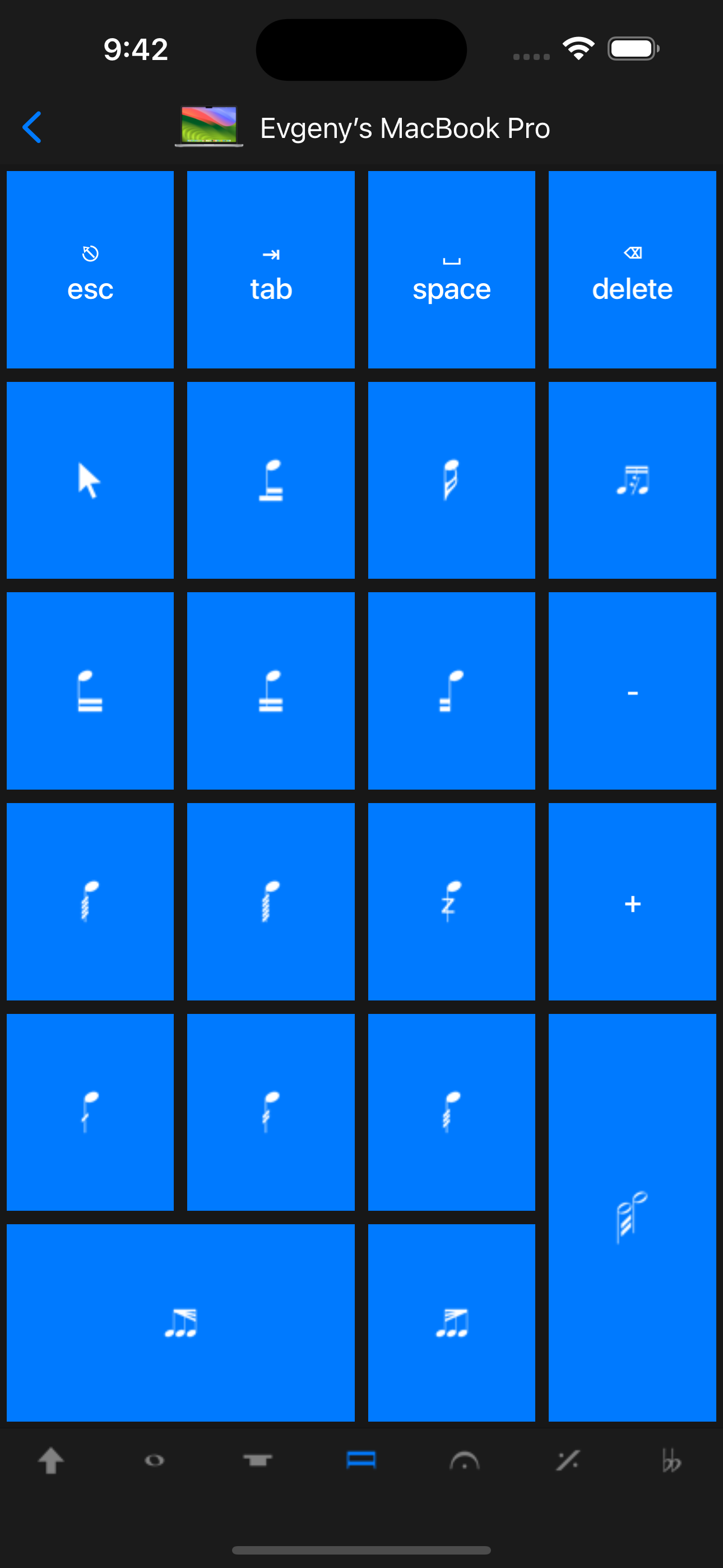
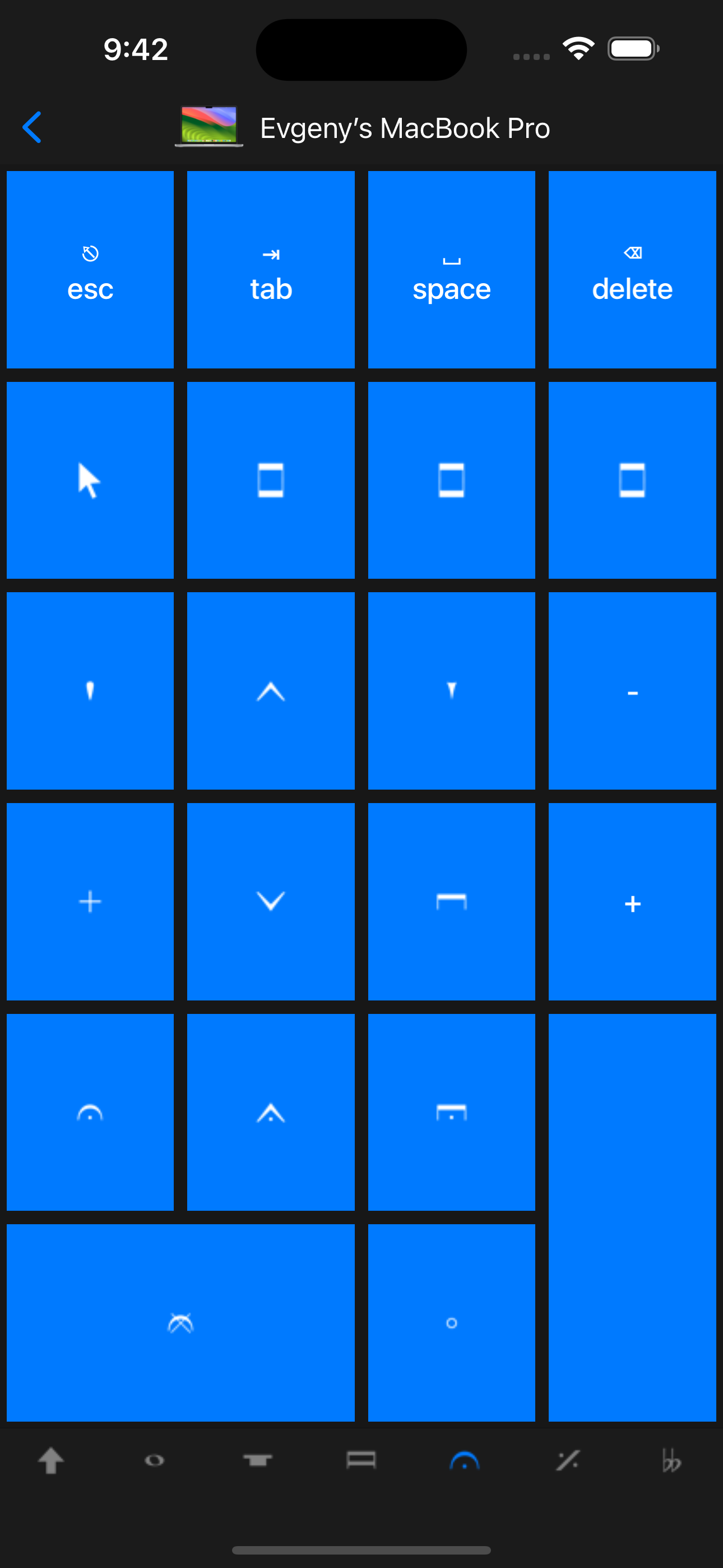
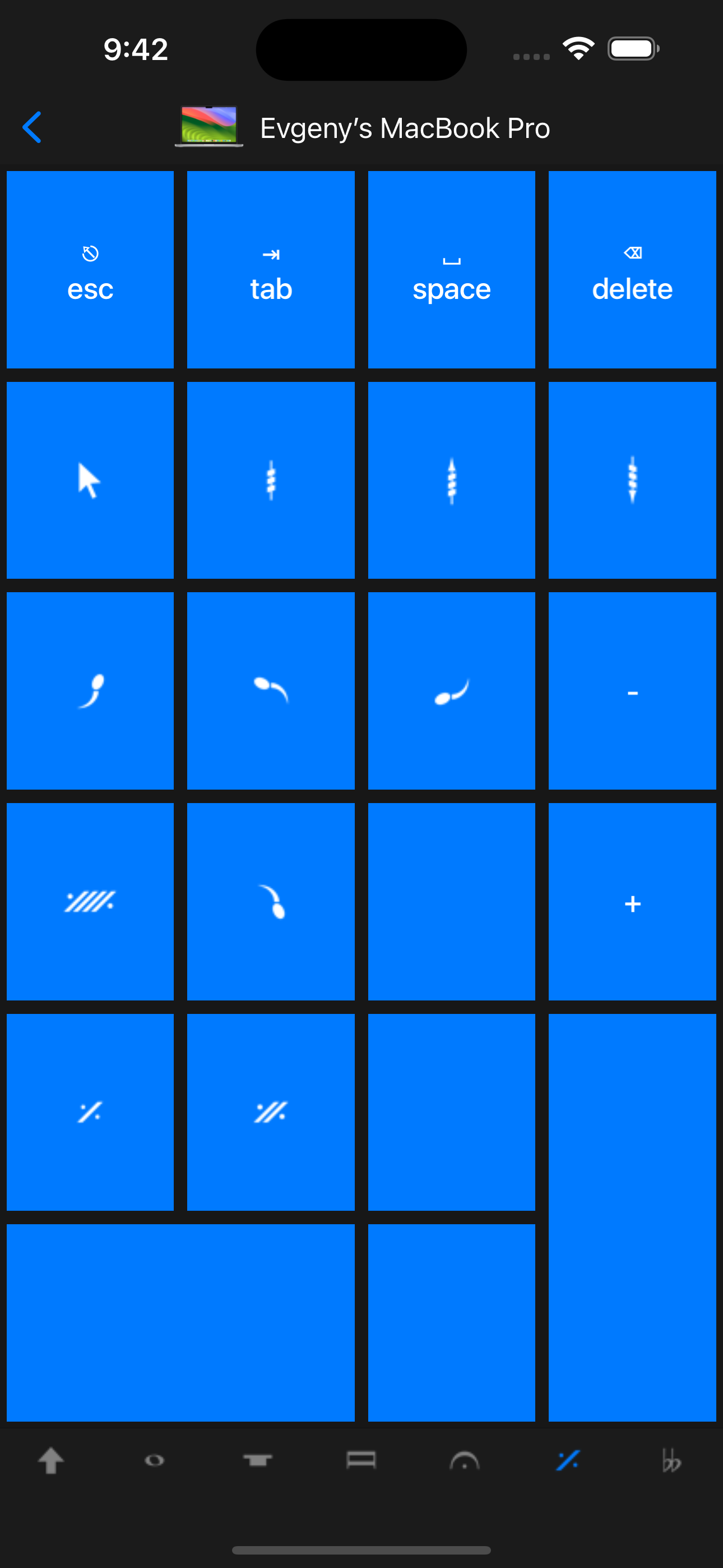
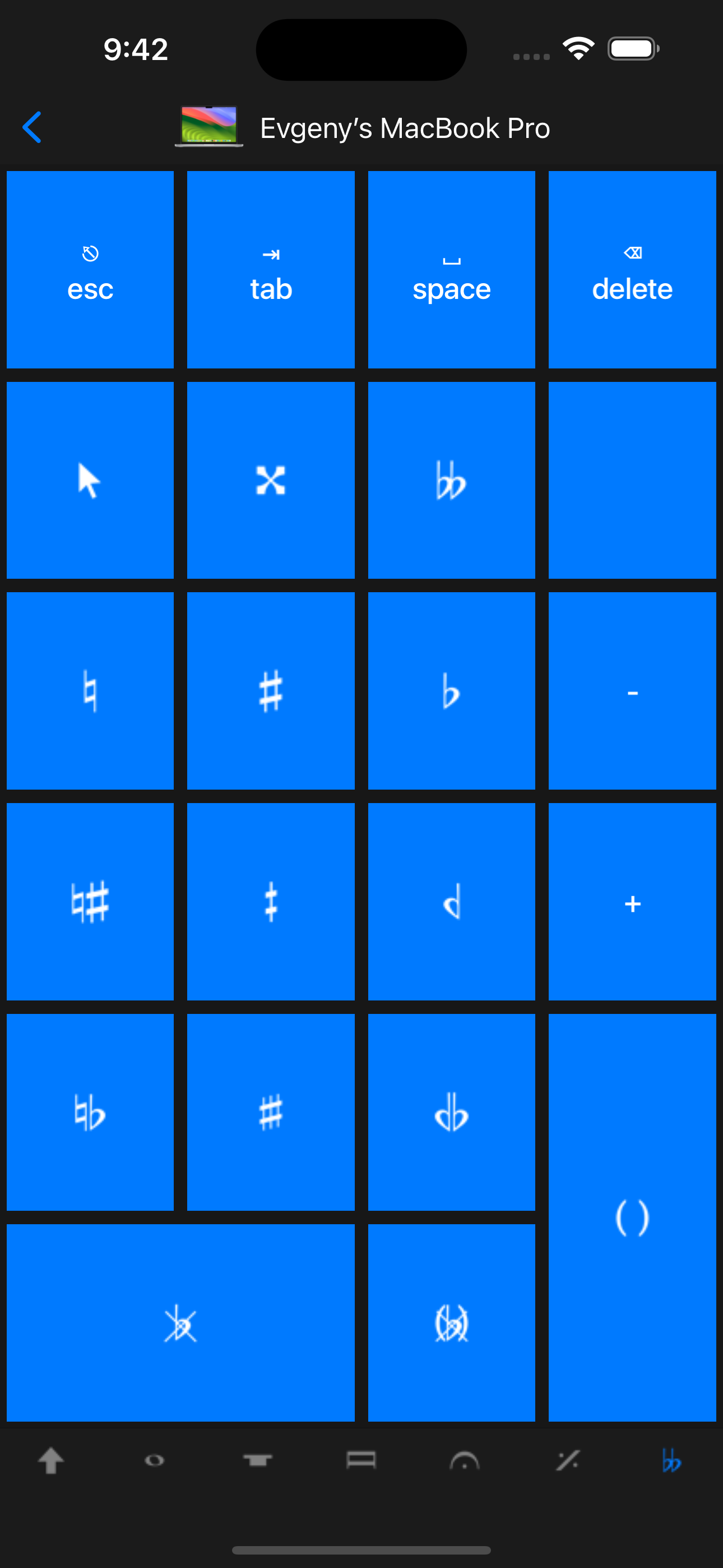
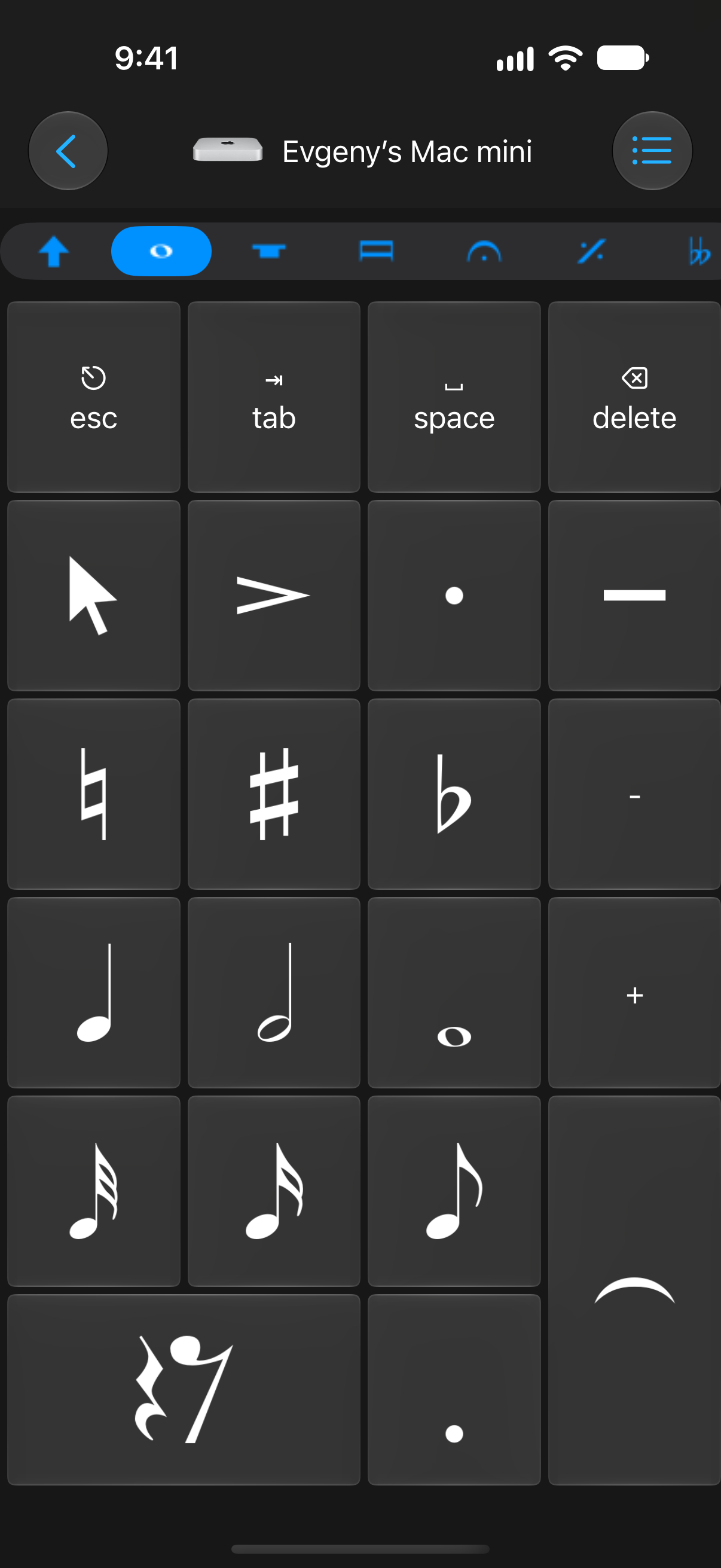
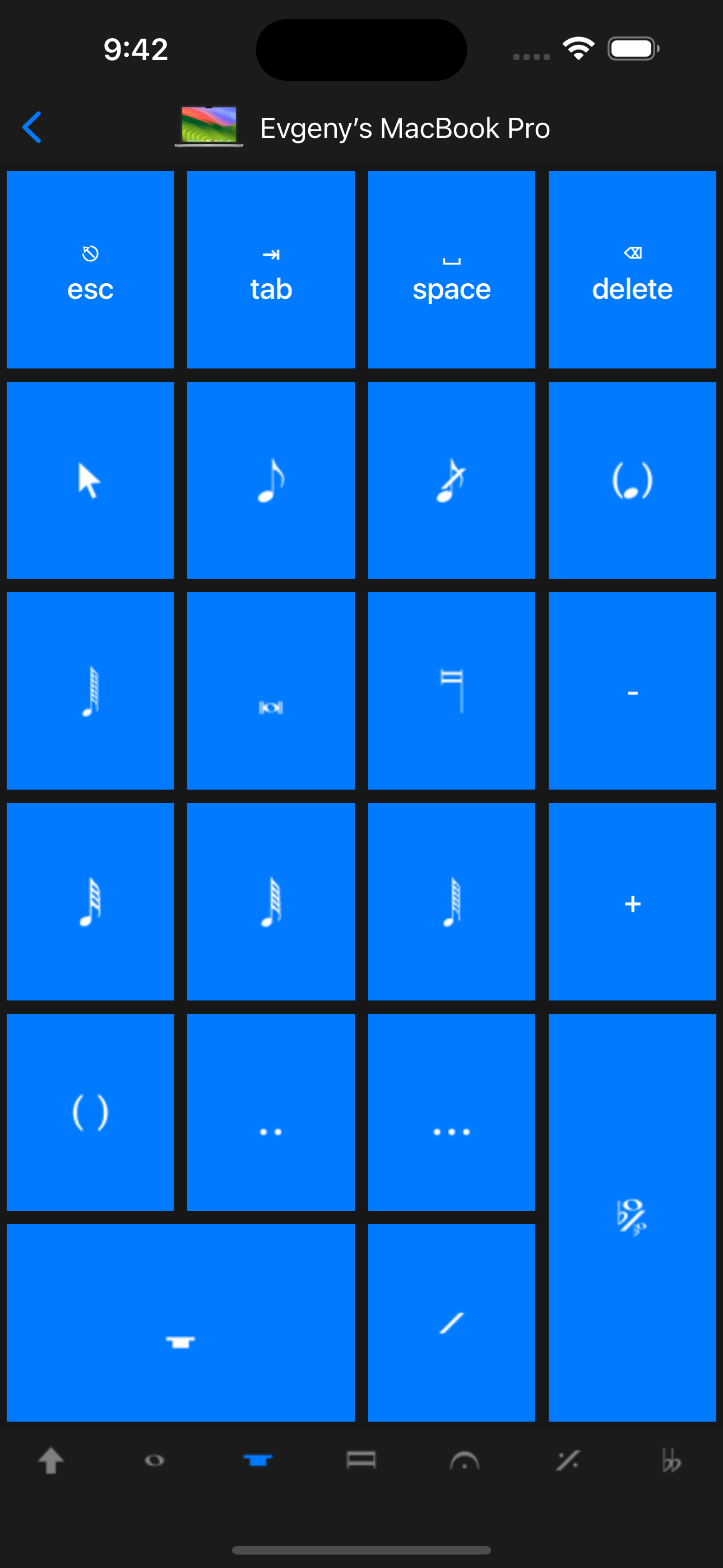
Sibelius KeyPad puts a dedicated music-notation keypad on an iPhone or iPad while Sibelius runs on a Mac or Windows PC. Its layouts cover common and additional notes, beams and tremolos, articulations, jazz articulations, and accidentals. Assignable shortcuts help musicians keep notation controls within reach while working on a score.

Key features

  • Switch between Common Notes, More Notes, Beams and Tremolos, Articulations, Jazz Articulations, and Accidentals.
  • Assign keyboard shortcuts to buttons and choose the shortcut sent when you switch keypad tabs.
  • Connect over Wi-Fi or Personal Hotspot using the free Remote Helper on your computer.

What it needs

A separate Sibelius desktop installation and Remote Helper on the computer, connected through Wi-Fi or Personal Hotspot. This is an independent companion app; Sibelius is a third-party product.
Original resolution. Ready to use.

Screenshots

English captures cover all six notation layouts, navigation, keypad editing, and computer setup. The set combines November 2026 project captures with dated earlier-interface images for the other layouts.

Select an image to open the original PNG. Every original is also in the ZIP.

Main screens

Sibelius KeyPad: Notation keypad
Notation keypad 1206 × 2622 · PNGExisting project capture · November 2026
Sibelius KeyPad: More Notes
More Notes 1290 × 2796 · PNGEarlier interface · March 2024
Sibelius KeyPad: Beams and Tremolos
Beams and Tremolos 1290 × 2796 · PNGEarlier interface · March 2024
Sibelius KeyPad: Articulations
Articulations 1290 × 2796 · PNGEarlier interface · March 2024
Sibelius KeyPad: Jazz Articulations
Jazz Articulations 1290 × 2796 · PNGEarlier interface · March 2024
Sibelius KeyPad: Accidentals
Accidentals 1290 × 2796 · PNGEarlier interface · March 2024
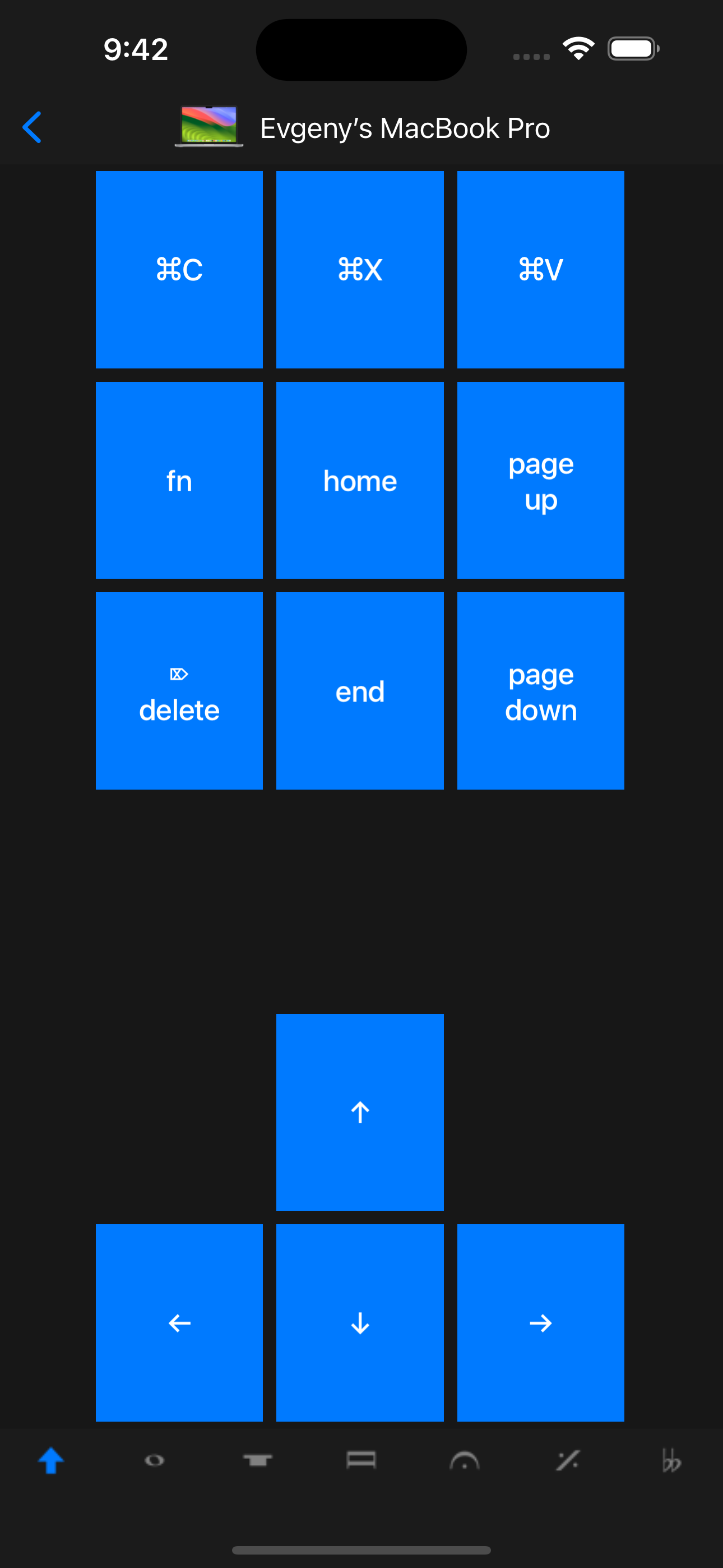
Sibelius KeyPad: Navigation and editing keys
Navigation and editing keys 1290 × 2796 · PNGEarlier interface · March 2024

Features & customization

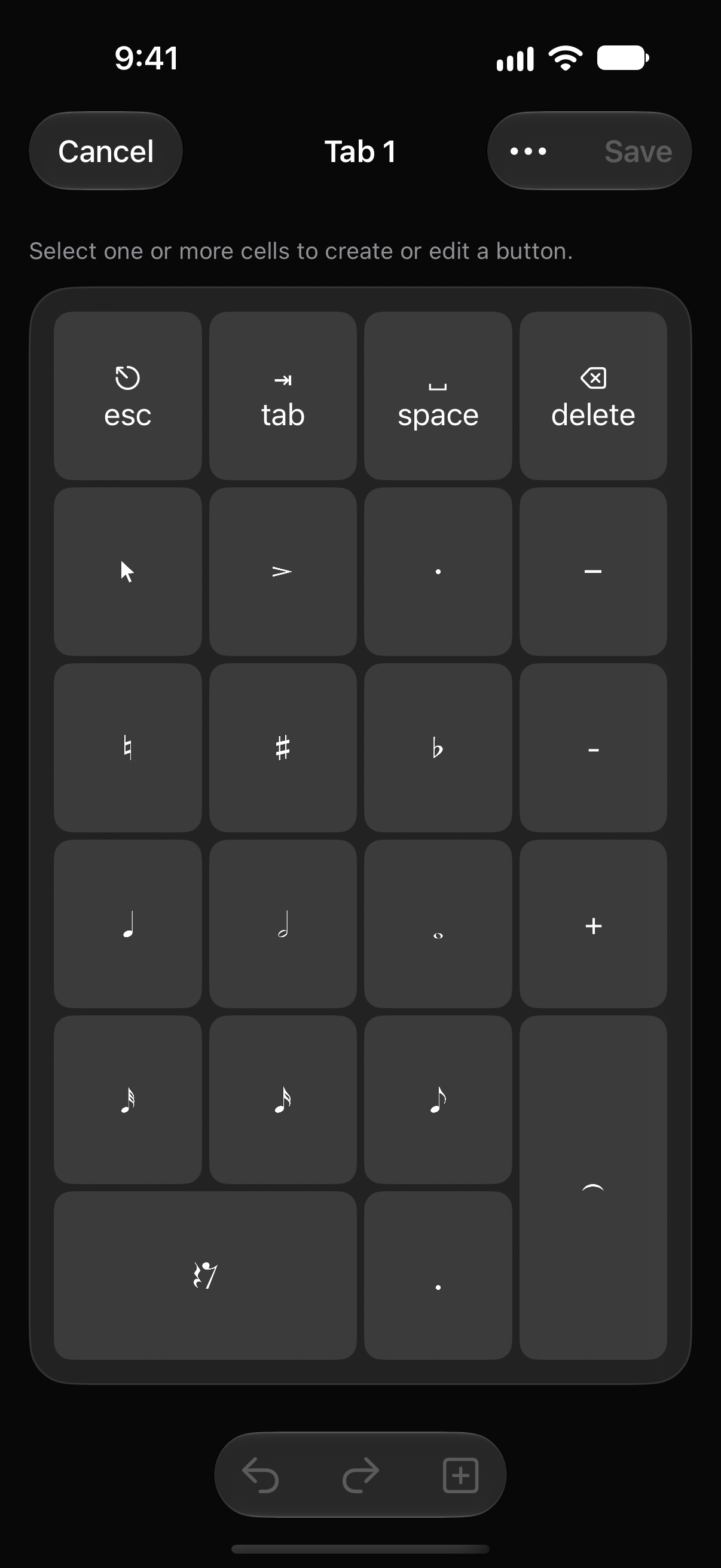
Sibelius KeyPad: Notation keypad editor
Notation keypad editor 1206 × 2622 · PNGExisting project capture · November 2026
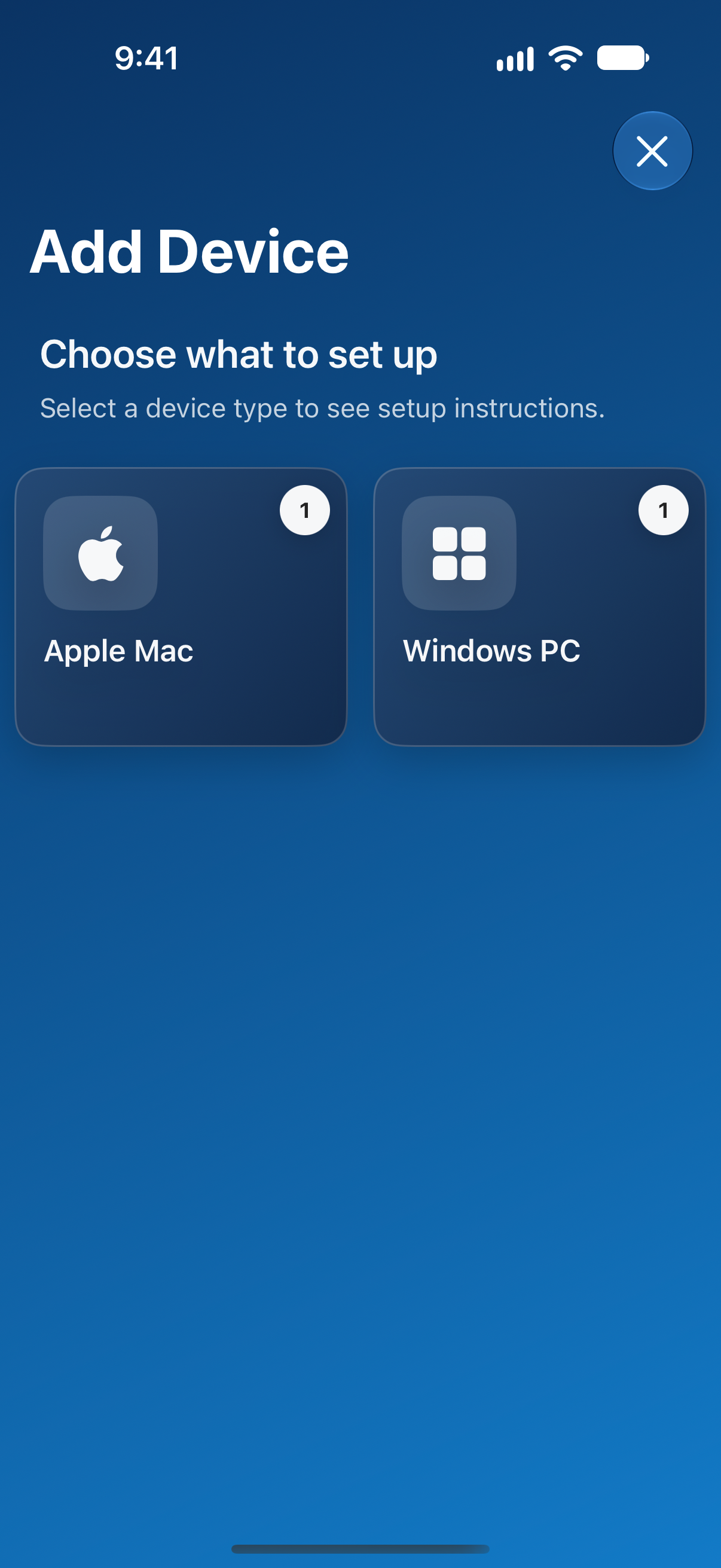
Sibelius KeyPad: Add a Mac or Windows computer
Add a Mac or Windows computer 1206 × 2622 · PNGExisting project capture · November 2026

The official artwork

App icons

Sibelius KeyPad app icon
Sibelius KeyPad app icon ↓1024 × 1024 · PNG

For your story

The supplied app icons, company marks, and screenshots may be used for editorial coverage of Remote Sunrise LTD and its apps. Credit Remote Sunrise LTD and link to rs.ltd or the relevant product page where practical. Preserve artwork proportions and do not imply endorsement. Third-party names and marks belong to their respective owners.

For interviews, review access, a demo, or additional images, contact the developer.

Download the company bio & marks ↓