Skip to content
Remote Sunrise

English press kit · Remote control

Mouse · Keyboard

A focused wireless trackpad and keyboard for your Mac or Windows PC. Built for iPhone and iPad.

ZIP · 1.1 MB · 4 original screenshots · 1024 × 1024 app icon · Fact sheets & company bio

Updated November 10, 2026 · Fact sheet (TXT) · Facts (JSON)

About the app

Mouse · Keyboard is a focused wireless trackpad and keyboard for a Mac or Windows PC. Use multi-touch gestures to move the pointer and scroll, then type with an on-screen keyboard, text shortcuts, emoji, and function keys. It is designed for people who want the core input controls on an iPhone or iPad.

Key features

  • Use multi-touch gestures to move around your computer from your phone or tablet.
  • Type with text shortcuts, emoji, and function keys in portrait or landscape.
  • Install Remote Helper, join the same local network, and approve your device on the computer.

What it needs

Remote Helper must be installed on the computer. Connect the mobile device and computer to the same local network and approve the device in the helper.
Original resolution. Ready to use.

Screenshots

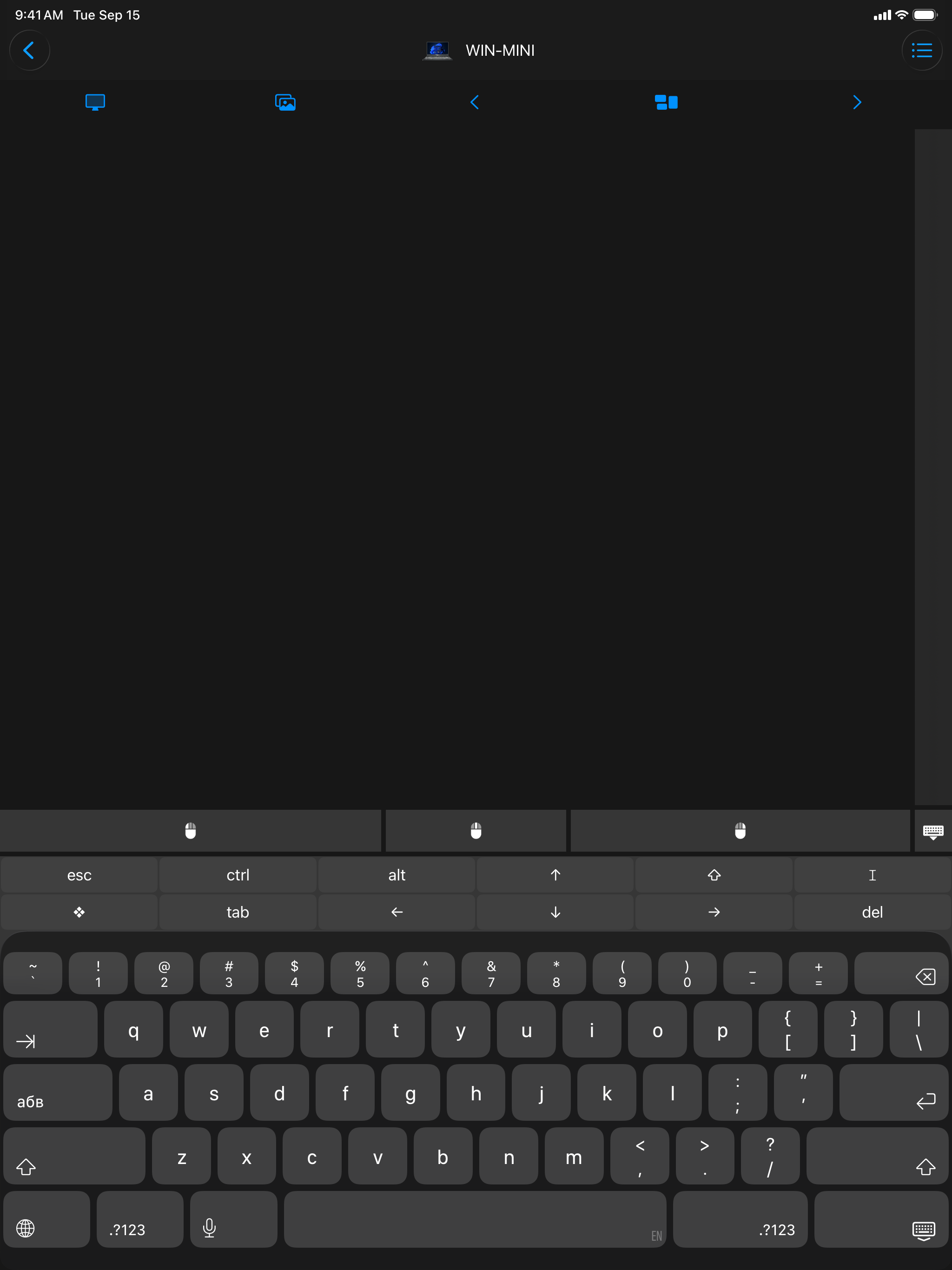
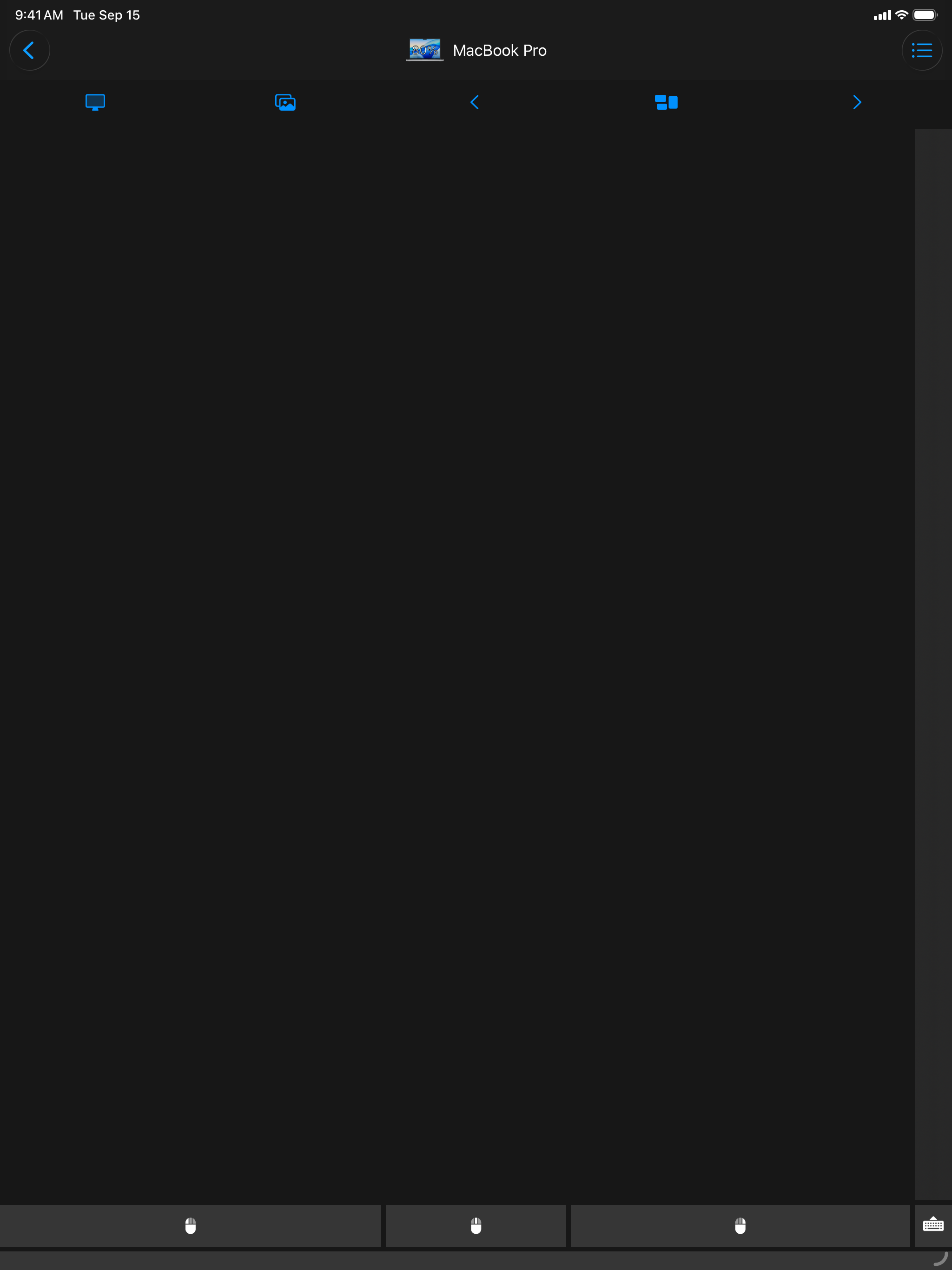
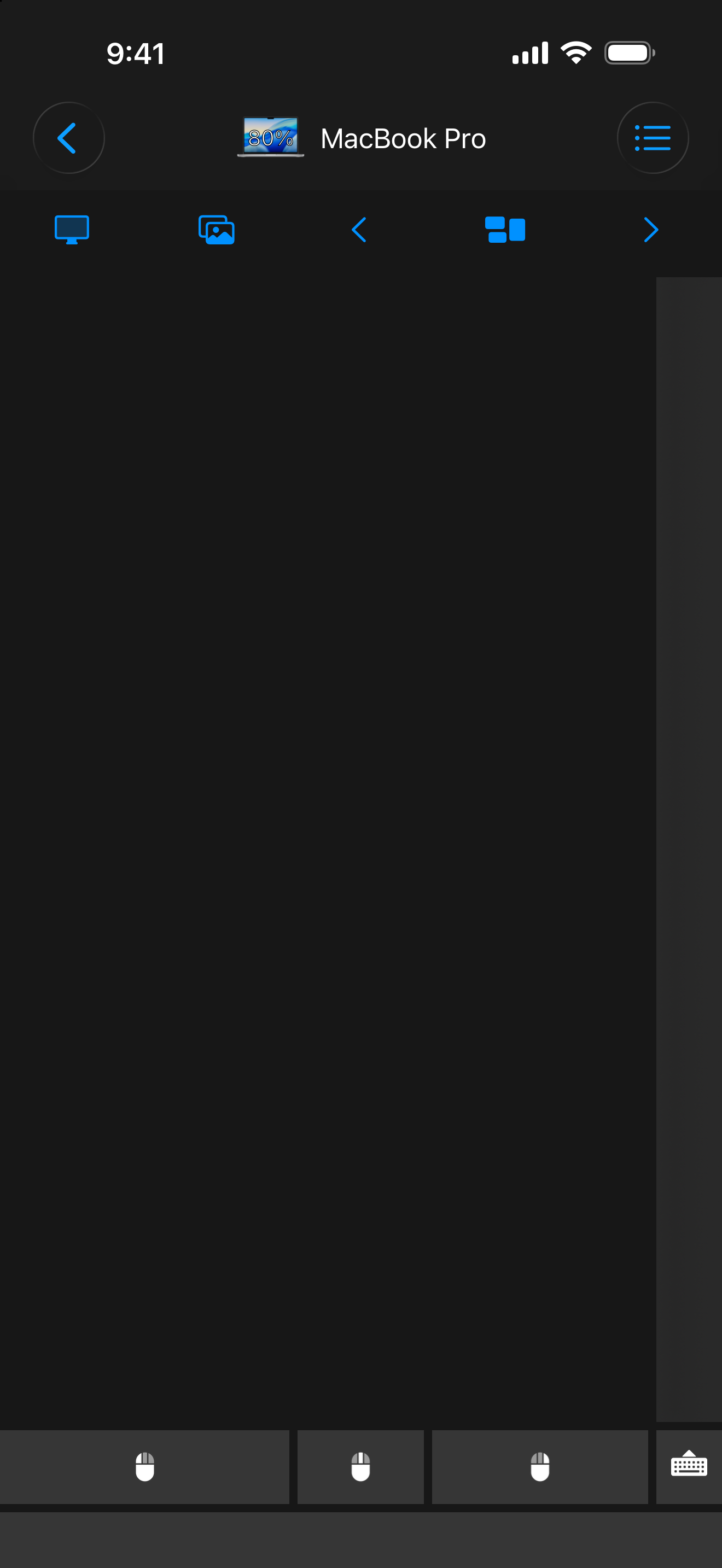
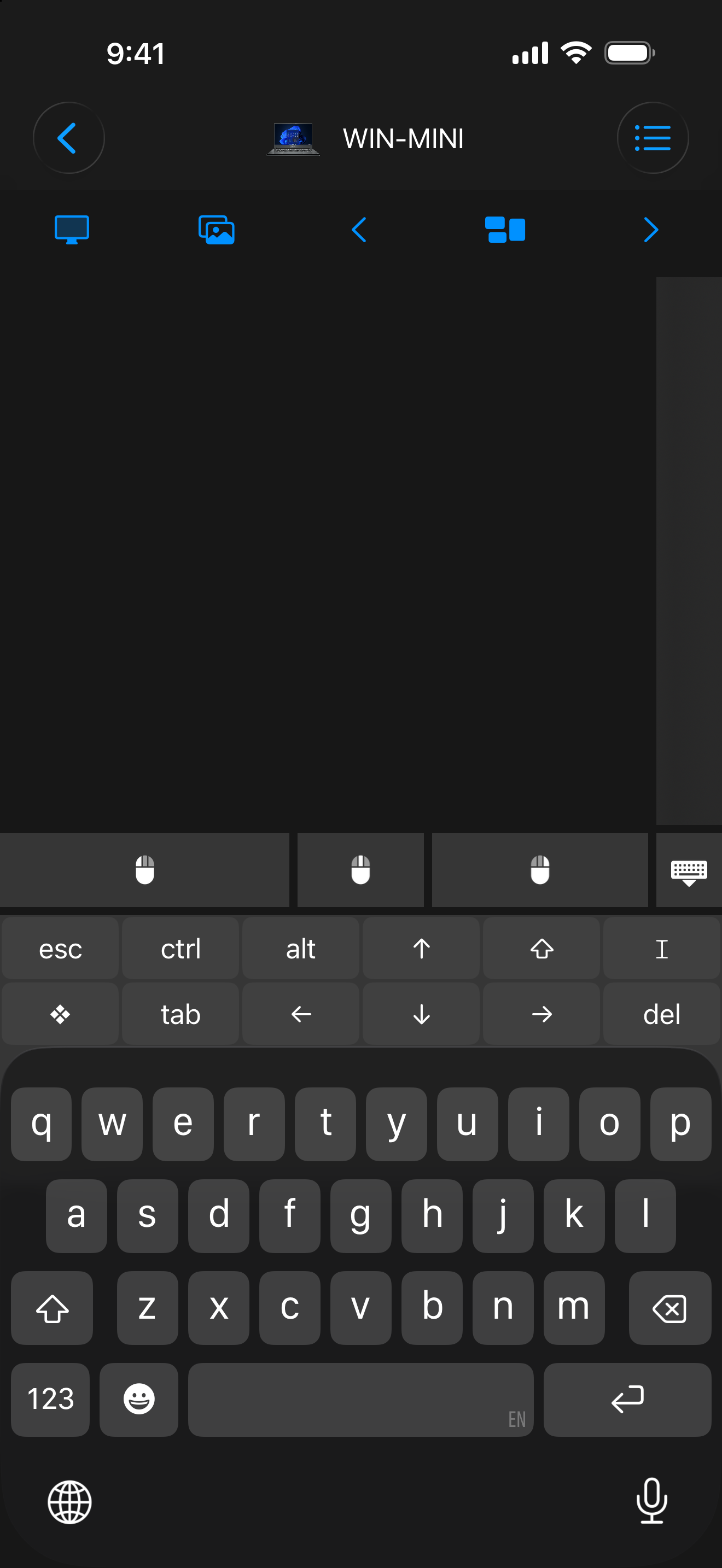
Original English iPhone and iPad captures show the focused app’s trackpad and keyboard. These are from the latest dedicated set, September 2026.

Select an image to open the original PNG. Every original is also in the ZIP.

Main screens

Mouse · Keyboard: Wireless trackpad
Wireless trackpad 1320 × 2868 · PNG
Mouse · Keyboard: Wireless keyboard
Wireless keyboard 1320 × 2868 · PNG

More platforms

Mouse · Keyboard: Trackpad on iPad
Trackpad on iPad 2048 × 2732 · PNG
Mouse · Keyboard: Keyboard on iPad
Keyboard on iPad 2048 × 2732 · PNG

The official artwork

App icons

For your story

The supplied app icons, company marks, and screenshots may be used for editorial coverage of Remote Sunrise LTD and its apps. Credit Remote Sunrise LTD and link to rs.ltd or the relevant product page where practical. Preserve artwork proportions and do not imply endorsement. Third-party names and marks belong to their respective owners.

For interviews, review access, a demo, or additional images, contact the developer.

Download the company bio & marks ↓